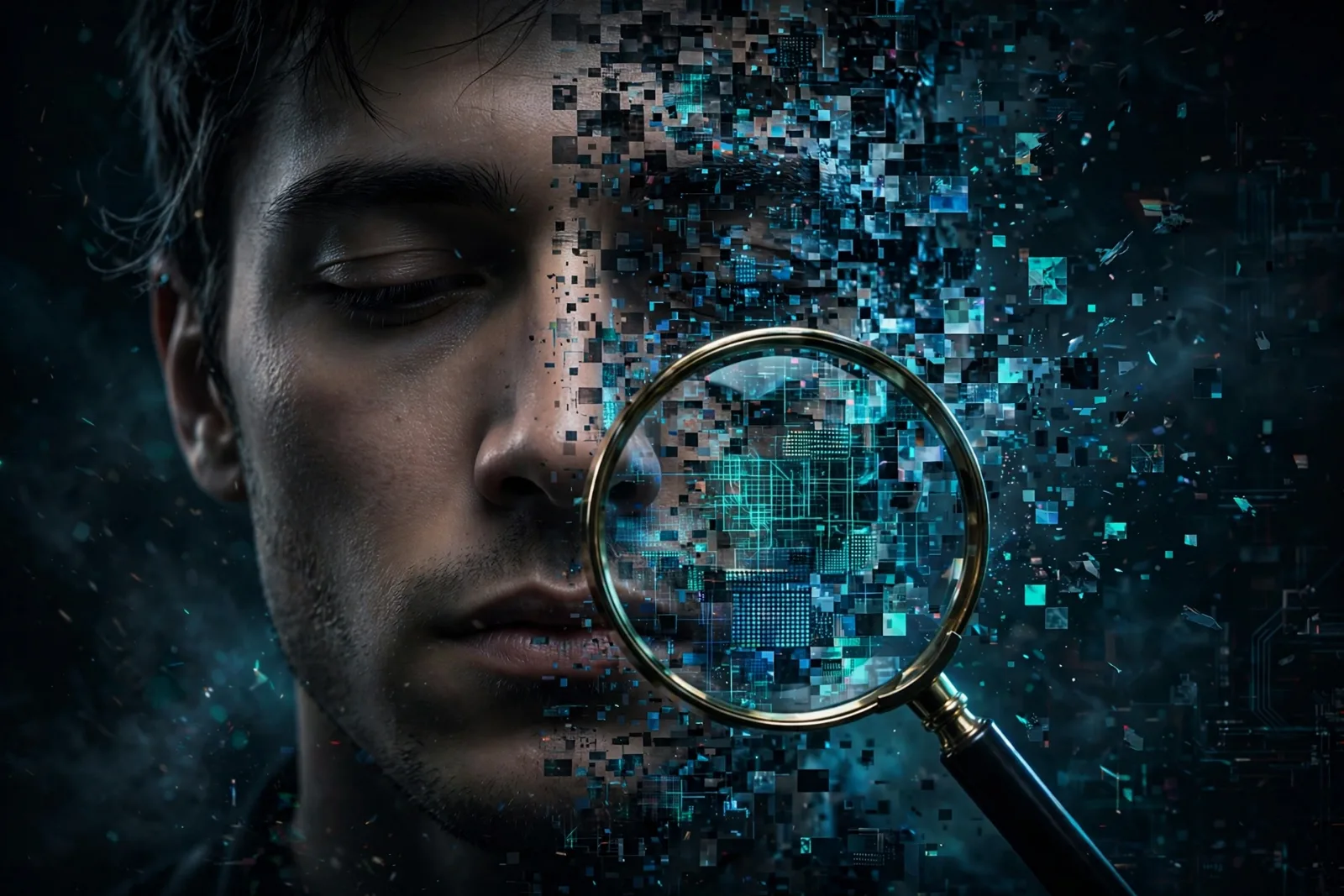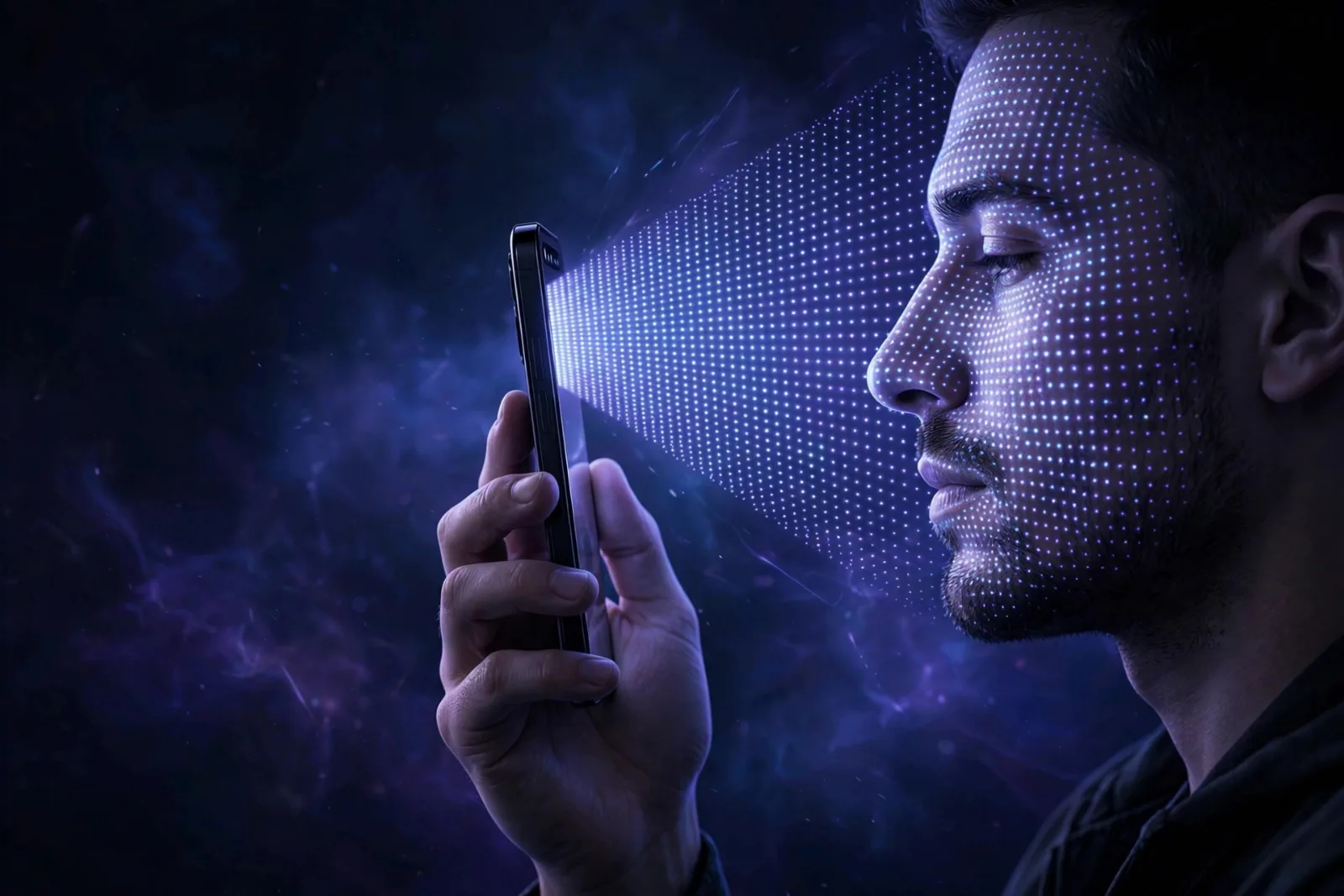
You lift your phone, glance at it, and it unlocks. No password typed, no fingerprint pressed. It feels like the phone simply recognises you — and in a sense, it does. But it is not looking at a photograph of you, and it is not comparing selfies. Behind that instant unlock is a tiny infrared light show, a depth map of your face, and a mathematical model locked inside a chip that even the phone's own operating system cannot fully read.
Here is how face unlock actually works, why a photo cannot fool the good versions of it, and where its limits honestly lie.
The problem: a photo is flat, a face is not
The earliest face unlock systems, on Android phones in the early 2010s, really were just comparing photographs. They took a picture with the ordinary selfie camera and checked whether it resembled the stored picture. That is why they could be fooled by holding up a printed photo of the owner — the system had no way to tell a flat image from a real face.
Modern face unlock fixed this by measuring depth. Your face is a three-dimensional landscape: nose protruding, eye sockets recessed, cheekbones and jaw forming a unique topography. A photograph has none of that. So instead of asking "does this look like the owner?", a good system asks "does this three-dimensional shape match the owner?" — and a flat photo fails that test automatically.
Apple's Face ID, launched with the iPhone X in 2017, is the best-known version, and it remains the template others follow. Android phones vary: high-end models use similar 3D systems, while cheaper ones often use simpler 2D camera-based unlock that is genuinely less secure. That difference matters, and we will come back to it.
The TrueDepth camera: three parts working together
Face ID does not use your ordinary selfie camera at all. It uses a separate module called the TrueDepth camera system, tucked into the notch or Dynamic Island at the top of the screen. It has three key parts:
1. The flood illuminator. This bathes your face in infrared light — light just beyond what your eyes can see. Because the phone supplies its own illumination, Face ID works in a pitch-dark room. The infrared camera can see this light even though you cannot.
2. The dot projector. This is the clever part. It projects more than 30,000 invisible infrared dots onto your face in a known pattern. Where your face is closer to the phone, the dots bunch together; where it curves away, they spread apart. The distortion of that dot pattern encodes the shape of your face.
3. The infrared camera. This reads the dot pattern and captures an infrared image of your face at the same time. Together, the dot pattern and the infrared image let the phone build a depth map — a precise 3D model of your facial geometry.
All of this happens in a fraction of a second, every time you glance at the phone.
From depth map to yes or no
A depth map alone is not an identity check. The phone still has to decide whether this face is yours. Here is the chain:
Step 1 — Enrolment. When you first set up Face ID, you slowly turn your head in a circle. The phone captures your face from many angles and builds a reference model. Crucially, it does not store a photograph. It stores a mathematical representation — a long list of numbers describing the distinctive structure of your face.
Step 2 — Neural network. Each unlock attempt runs the fresh depth map and infrared image through a neural network on the phone's chip (Apple's Neural Engine). The network turns them into a fresh mathematical model and compares it with the stored one, measuring how close they are.
Step 3 — The threshold. A match is declared only when the models are close enough. Apple sets that threshold so that the chance of a random stranger unlocking your phone is about 1 in 1,000,000. For comparison, Touch ID fingerprint unlock was rated at 1 in 50,000 — Face ID is roughly twenty times harder to fool with a random face. The network was trained on more than a billion images, including infrared and depth data, so it copes with glasses, hats, beards, makeup and ageing — and it keeps learning, updating its model slightly each time you unlock successfully.
Step 4 — The Secure Enclave. The stored model never leaves a dedicated, isolated part of the chip called the Secure Enclave. It is protected by a key that exists only inside that enclave. Your face data is never sent to Apple, never backed up to iCloud, and never shared with apps. When an app asks "is this the owner?", it gets a yes or no — never your face data. Apple also says the mathematical model cannot be reversed into a 3D rendering of your face.
Step 5 — Attention. By default, Face ID also checks that your eyes are open and looking at the phone. That is why someone cannot simply point your phone at your face while you sleep and unlock it — a deliberate protection, not an accident.
Why a photo or mask usually fails
Put the pieces together and the defences stack up:
- A printed photo fails because it has no depth — the dot pattern lands flat, and the depth map is wrong.
- A video on another phone fails for the same reason, and because the infrared image looks different from a real face.
- A mask is much harder to make than people assume. Apple's network was trained to resist masks, and a successful spoof needs an accurate 3D replica of the owner's face plus matching infrared behaviour — far beyond a Halloween mask.
- A sleeping face fails the attention check, provided that setting is left on.
For more on this, see our explainer on deepfakes.
The real limits: twins, children, and the 2D problem
Face ID has three genuine weaknesses worth knowing:
Identical twins and young children. Apple is upfront about this: the 1-in-1,000,000 figure is for a random stranger. For an identical twin, or a sibling who looks very like you, the odds are much worse — and for children under 13, whose faces are still developing and less distinctive, Apple warns the probability of a false match is higher. If your identical twin has access to your phone, use a passcode instead.
Not all "face unlock" is equal. This is the most important practical point. Many Android phones unlock with the ordinary front camera and a 2D image match. Those systems can often be fooled by a photo, and their makers sometimes say so quietly — some even warn you during setup that face unlock is less secure than a PIN or fingerprint. Before trusting face unlock on any phone, check whether it uses a 3D depth system or just the selfie camera. If the phone's maker does not advertise depth sensing, assume it is 2D.
You cannot change your face. A password can be reset; a face cannot, which is why biometrics work best as a convenience layer on top of a strong passcode, not as the only lock. After five failed Face ID attempts, or after a restart, the phone demands your passcode.
Face unlock versus fingerprints versus passkeys
| Method | How it proves you | Random false-match odds | Main weakness |
|---|---|---|---|
| Face ID (3D) | Depth map + infrared image | ~1 in 1,000,000 | Twins, young children |
| Touch ID (fingerprint) | Fingerprint pattern | ~1 in 50,000 | Worn prints, lifted prints |
| 2D face unlock | Selfie photo match | Much weaker | Fooled by photos |
| Passkey | Cryptographic key + biometric approval | No secret to guess | Device loss without recovery |
Face unlock is best understood as part of a bigger shift: your device holds a cryptographic key, and your face simply approves its use. That is exactly how passkeys work. For the wider picture of account protection, see our guides to two-factor authentication and password managers.
For the habits that stop most attacks, see our cybersecurity basics.
Takeaway checklist
- Good face unlock measures depth, not just appearance — that is why a photo cannot fool it.
- Apple's TrueDepth system projects more than 30,000 invisible infrared dots onto your face and reads them with an infrared camera to build a 3D depth map.
- Your phone stores a mathematical model, not a photo, locked inside the Secure Enclave — it never leaves your device.
- Apple's published false-match rate is about 1 in 1,000,000 for a random stranger, versus 1 in 50,000 for Touch ID.
- Attention awareness means the phone checks your eyes are open and looking at it — a sleeping face should not unlock it.
- The honest limits: identical twins and children under 13 are much more likely to false-match, and cheap 2D face unlock on some phones is genuinely weak — check which kind your phone uses.
- Keep a strong passcode as your fallback, and remember biometrics are a convenience layer, not a replacement for one.