You type a message, tap send, and a second later it appears on someone else's phone. It feels instant and almost magical — but behind that second is a relay race across cell towers, data centres, and a messaging system designed more than 30 years ago. Here is the full journey, step by step.
The first text message
The story starts on 3 December 1992, when a 22-year-old engineer named Neil Papworth typed "Merry Christmas" on a computer and sent it over Vodafone's network in the UK to a colleague, Richard Jarvis, who was at his office Christmas party. It was a test message, sent from a PC because mobile phones did not yet have keyboards. Jarvis did not reply.
The system Papworth was testing was SMS — Short Message Service — and it had been in development since 1984. German engineer Friedhelm Hillebrand had settled its most famous rule, the 160-character limit, by counting the characters on postcards and concluding that 160 was "perfectly sufficient" for a short message. That limit shaped texting for decades — and it is why abbreviations like "LOL" and "BRB" became a language of their own.
Step 1: Your phone talks to the nearest tower
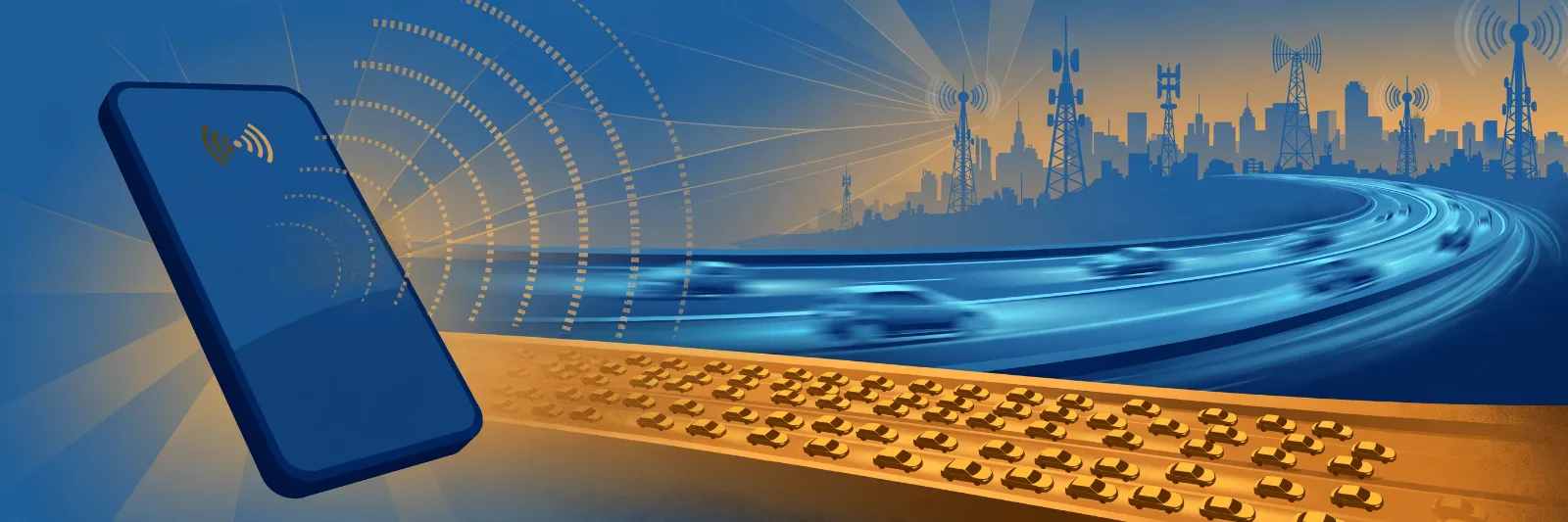
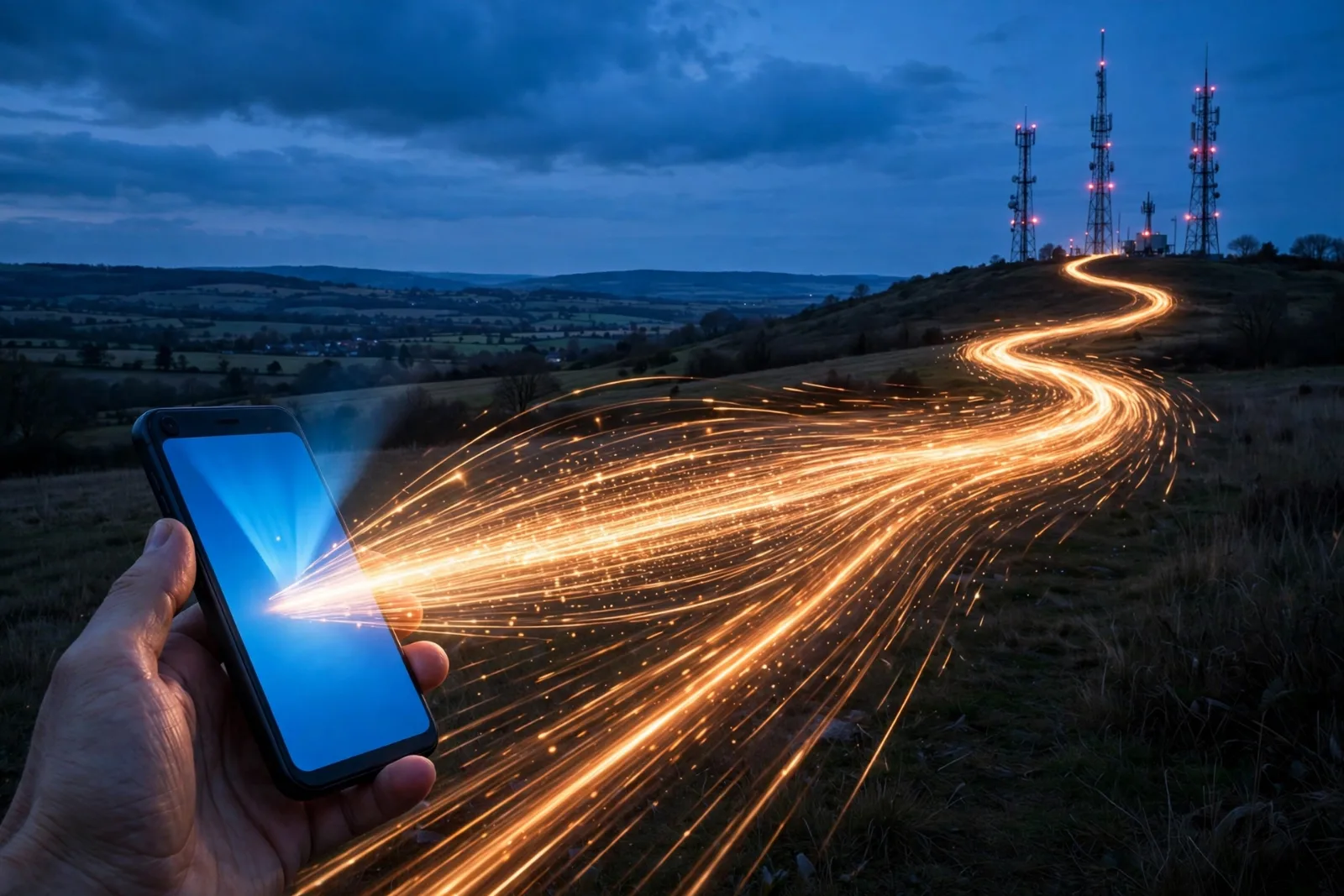
The moment you tap send, your phone converts your message into a digital signal and transmits it by radio to the nearest cell tower — the tall mast you see on rooftops and hillsides. Your phone is constantly measuring which tower has the strongest signal, so it always knows where to send.
This first hop uses the same radio connection your phone uses for calls and mobile data, and it happens in milliseconds. If you are indoors, the signal may bounce off walls and buildings on its way; if you are moving, your phone may hand over to a different tower mid-message without you ever noticing.
Step 2: The message reaches your carrier's message centre
From the tower, your message travels over your mobile carrier's network to a special computer called the Short Message Service Centre (SMSC). Think of the SMSC as a post office for texts: it receives your message, reads the recipient's phone number, and works out where that phone is right now.
The SMSC checks with your carrier's database — the Home Location Register — which keeps track of which tower every customer is currently connected to. This is how the network finds a phone that might be in another city or another country: it does not need to know where the person is, only which tower their phone last checked in with.
Step 3: Delivery — or a polite wait
If the recipient's phone is switched on and in coverage, the SMSC forwards the message to the nearest tower to that phone, which beams it down by radio. The phone receives it, stores it, and shows you the notification. The whole trip typically takes one to three seconds.
If the phone is off, out of signal, or on a flight, the SMSC does not give up. It stores the message and retries — usually for a day or two, sometimes up to a week depending on the carrier. That is why a text sent to a phone in airplane mode arrives the moment it lands and reconnects. The system was designed around this store-and-forward idea from the start: unlike a phone call, a text does not need both people to be available at the same time.
Your carrier may also send a tiny delivery report back to your phone, which is how you sometimes see "Delivered" under a message.
SMS vs RCS vs internet messaging: what's the difference?
Not every "text" travels the same way. There are three main systems, and your phone may use any of them depending on who you are messaging:
| System | How it travels | Limits | Best for |
|---|---|---|---|
| SMS | Over the mobile carrier's signalling network | 160 characters per message; no photos or video | Reaching anyone, on any phone, anywhere |
| RCS (Rich Communication Services) | Over mobile data or Wi-Fi | Long messages, photos, video, read receipts, typing indicators | Modern Android-to-Android chats and newer iPhone messaging |
| Internet messaging (WhatsApp, iMessage, Telegram, Signal) | Over the internet via the app's own servers | Almost no limits; calls, files, groups, encryption | Rich features — but only if both people use the same app |
SMS is the universal fallback: it works on every mobile phone ever made, needs no app, no account, and no internet connection. That is why banks still send you one-time codes by SMS and why emergency alerts arrive as texts.
RCS is the carriers' attempt to modernise SMS — essentially SMS with the features of WhatsApp built in. Apple added RCS support to iPhones in recent years, so a growing share of ordinary texts now travel as RCS when both phones support it.
Internet messaging apps skip the carrier's message centre entirely: your message goes from your phone to the app company's servers over the internet, then down to the other phone. That is why WhatsApp works on Wi-Fi with no mobile signal at all — and why it stops working when the internet does.
Why texts sometimes arrive late, out of order, or twice
If texting feels flawless most of the time, the occasional glitch is usually one of these:
- Congestion: on New Year's Eve or during a major event, millions of messages hit the SMSC at once, and yours waits in a queue.
- Weak signal: your phone may send the message, fail to receive the delivery confirmation, and send it again — producing a duplicate.
- Long messages split apart: a message over 160 characters is split into several SMS segments, each travelling separately. If they arrive out of order, your phone reassembles them — but on a congested network, one segment can lag behind the rest.
- The recipient's phone is busy: if their phone is off or out of coverage, the message waits at the SMSC until it reconnects, which can be hours later.
None of this means the system is broken. SMS was designed in an era of tiny bandwidth and unreliable connections, and its store-and-forward design is exactly what makes it so dependable: the network would rather deliver your message late than lose it.
What about your privacy?
A plain SMS is not encrypted. Your carrier can read it, and in theory so can anyone with access to the carrier's systems. That is why security experts warn against sending passwords or sensitive information by text — and why banks use SMS codes as a second check rather than the only check. Internet messaging apps like WhatsApp and Signal, by contrast, use end-to-end encryption, meaning only you and the recipient can read the message.
Takeaway checklist
- The first text was "Merry Christmas", sent 3 December 1992 by Neil Papworth over Vodafone UK — as a test, from a computer.
- The 160-character limit came from Friedhelm Hillebrand counting postcard messages in 1985.
- Your message's journey: your phone → nearest cell tower → your carrier's message centre (SMSC) → the tower nearest the recipient → their phone.
- If their phone is off, the SMSC stores the message and retries — that's why texts arrive when a phone reconnects.
- SMS works on any phone, anywhere, without internet — which is why banks and emergency alerts still use it.
- RCS is SMS modernised (photos, read receipts, typing indicators); WhatsApp and iMessage skip the carrier entirely and travel over the internet.
- Late, duplicated, or out-of-order texts usually mean congestion, weak signal, or a message split into segments — not a broken phone.
- Plain SMS is not encrypted — never send passwords or sensitive details by text.
Read next: How 5G Is Changing Mobile Connectivity and eSIM Explained.