The average person juggles dozens of passwords. They're hard to remember, easy to steal, and the cause of most account hacks. For 30 years, the tech industry has promised to kill the password. Now, it might finally be happening — the replacement is called a passkey.
Google, Apple, Microsoft, Amazon, PayPal, GitHub, and WhatsApp all support passkeys today. The FIDO Alliance reports 15 billion online accounts can now use them. But what actually is a passkey — and should you switch? Here's the plain-English guide.
What is a passkey?
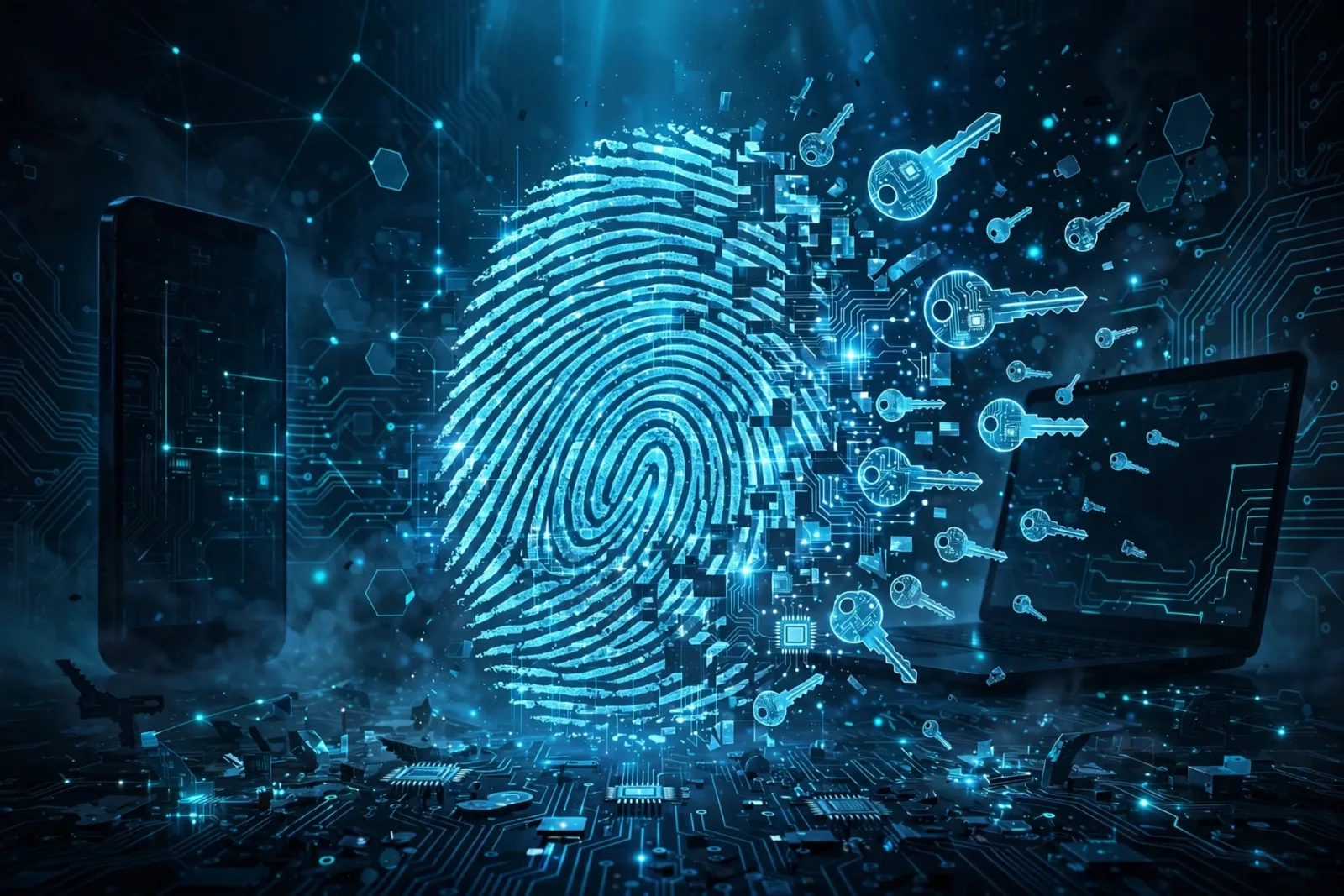
A passkey is a digital credential that replaces your password. Instead of typing a secret phrase, you unlock your account the same way you unlock your phone — fingerprint, face scan, or PIN.
The key difference is invisible: passkeys don't involve a shared secret at all. They use public-key cryptography (the FIDO2/WebAuthn standard). Here's what happens when you create one:
- Your device generates a unique pair of mathematically linked keys — one private, one public.
- The private key stays locked inside your device's secure hardware (like the Secure Enclave on an iPhone). It never leaves. Not even the website sees it.
- The public key goes to the website's server.
- At login, the site sends your device a challenge; your device signs it with the private key after you approve with your fingerprint or face. The site verifies the signature with your public key.
Because the server only ever holds your public key — which is mathematically useless to an attacker — there's nothing to steal in a data breach. No password database to leak. Ever.
Why passkeys beat passwords
The security upgrade is dramatic:
| Attack | Passwords | Passkeys |
|---|---|---|
| Phishing | Vulnerable — you type your password into a fake site | Immune — your device checks the real domain and won't offer the passkey on a fake one |
| Credential stuffing | Vulnerable — leaked passwords get reused everywhere | Immune — nothing to leak |
| SIM swapping | N/A (but SMS codes are vulnerable) | Immune — no codes involved |
| Brute force guessing | Vulnerable | Immune — no secret to guess |
| Forgotten passwords | Constant resets | Gone — you just use your fingerprint |
They're also faster — logins take seconds instead of the type-wait-verify dance — and they quietly bundle two-factor authentication into one step: your device (something you have) plus your biometric (something you are).
Adoption numbers tell the story: 69% of consumers now have at least one passkey (up from 39% two years ago), 87% of companies have deployed or are deploying them, and Microsoft now makes passkeys the default for all new accounts.
How to start using passkeys
It's simpler than you think:
- Google: go to your Google Account → Security → Passkeys, and create one. Your phone or laptop becomes the key.
- Apple: passkeys sync automatically through iCloud Keychain across your iPhone, iPad, and Mac.
- Microsoft: set one up via Windows Hello or your Microsoft account security settings.
- Amazon, PayPal, GitHub, WhatsApp, eBay: each has a passkey option in account security settings.
Your passkeys sync through your cloud account (Google Password Manager, iCloud Keychain, 1Password, Bitwarden), so they follow you to new devices.
What's still not perfect
Honest limitations, because no technology is magic:
- Not every site supports them yet. Most smaller websites and many banks still need passwords. Expect a mixed setup for years.
- Losing all your devices is painful. Cloud sync covers this for most people — but if your cloud account itself gets locked, recovery gets complicated. Keep a recovery method configured.
- Cross-platform friction. Using an iPhone-created passkey on a Windows PC works (QR code + Bluetooth), but it's clunkier than staying in one ecosystem.
- Shared accounts are harder. Sharing a family streaming login via passkey is more complex than sharing a password — the industry is still working on delegated access.
The takeaway checklist
- A passkey replaces your password with a device-bound cryptographic key pair — private key never leaves your device.
- Immune to phishing, leaks, and credential stuffing — the attacks behind most breaches.
- 15 billion accounts already support them; Google, Apple, Microsoft, Amazon all in.
- Set them up in your account security settings; they sync via your cloud account.
- Limitations: not universal yet, device-loss recovery needs planning, cross-platform can be clunky.
- Passwords won't vanish overnight — but they're becoming the exception, not the rule.
The password had a 30-year run. It lost. Your fingerprint is the new key — just make sure you know where the spare is.
New to the security basics? Start with Cybersecurity Basics Everyone Should Know — then come back and kill your passwords for good.