If you have ever shopped for home internet, you have seen the word "fibre" used as if it were a magic spell: faster, better, future-proof. Sometimes it is. Sometimes the connection sold as "fibre" still runs over copper for the last stretch to your house. And sometimes a household pays for gigabit fibre and still gets buffering — because the bottleneck was never the connection coming into the house at all.
This guide explains what fibre broadband actually is, how it works, how it honestly compares with cable, and what to check before you switch. No provider names, no sales pitch — just the technology, in plain English.
What fibre broadband actually is
Fibre broadband carries your internet as pulses of light through thin strands of glass, each about as thick as a human hair. Cable broadband carries it as electrical signals through copper coaxial cable — the same kind of thick copper wiring originally built to deliver cable television. That one difference in the carrier — light versus electricity — drives almost every other difference between them.
Light travelling through glass can carry far more information, over far greater distances, with far less signal loss than electricity travelling through copper. Copper signals weaken as they travel and pick up interference from nearby electrical equipment and radio signals. Glass fibres are immune to electromagnetic interference, and the light inside them can travel kilometres with barely any loss. That is also why the cables under the ocean carrying the world's internet — explained in our guide to how undersea internet cables carry 99% of the world's data — are fibre: nothing else can cross an ocean carrying that much data.
Inside a fibre strand, light stays trapped by a principle called total internal reflection. The glass core is surrounded by a cladding layer that reflects light back inward, so the light pulse bounces along the inside of the strand like a ball down a corridor with mirrored walls, rather than leaking out sideways. At the far end, a receiver converts the flashes of light back into electrical data your router can use.
Why uploads suddenly match downloads
The most noticeable difference for most households is not the headline download speed — it is the upload speed. Cable connections are asymmetrical: downloads are fast, uploads are much slower, often only a tenth of the download speed. That made sense when cable was designed for television, where almost all traffic flows one way, into the home.
Fibre connections are usually symmetrical: uploads match downloads. A 500 Mbps fibre plan typically uploads at 500 Mbps too. That matters far more today than it did a decade ago, because modern households send as well as receive: video calls, cloud photo backups, uploading videos, working from home, online gaming, and smart-home cameras all push data outward. A video call that stutters on cable may be perfectly smooth on fibre — not because downloads are faster, but because the upload side finally keeps up.
Latency — the delay between sending a request and getting a response — also tends to be lower on fibre, typically in the teens of milliseconds rather than the higher, more variable figures common on cable. For competitive gaming and video calls, low and stable latency matters more than a headline speed number.
Fibre vs cable vs DSL, honestly compared
| Fibre (full fibre) | Cable | DSL (old phone-line) | |
|---|---|---|---|
| How data travels | Light through glass | Electricity through copper coax | Electricity through copper phone lines |
| Typical home download speeds | 300 Mbps to 1 Gbps, with multi-gigabit plans in some areas | 100 Mbps to 1 Gbps download, but often far less in practice | Tens of Mbps at best |
| Typical upload speeds | Matches download (symmetrical) | Much slower, often 10–50 Mbps | A few Mbps |
| Peak-hour slowdowns | Rare; capacity is rarely the constraint | Common; neighbourhoods share capacity | Less shared, but slow to begin with |
| Availability | Growing fast, but not everywhere yet | Very widespread where cable TV exists | Widespread, but being retired in many places |
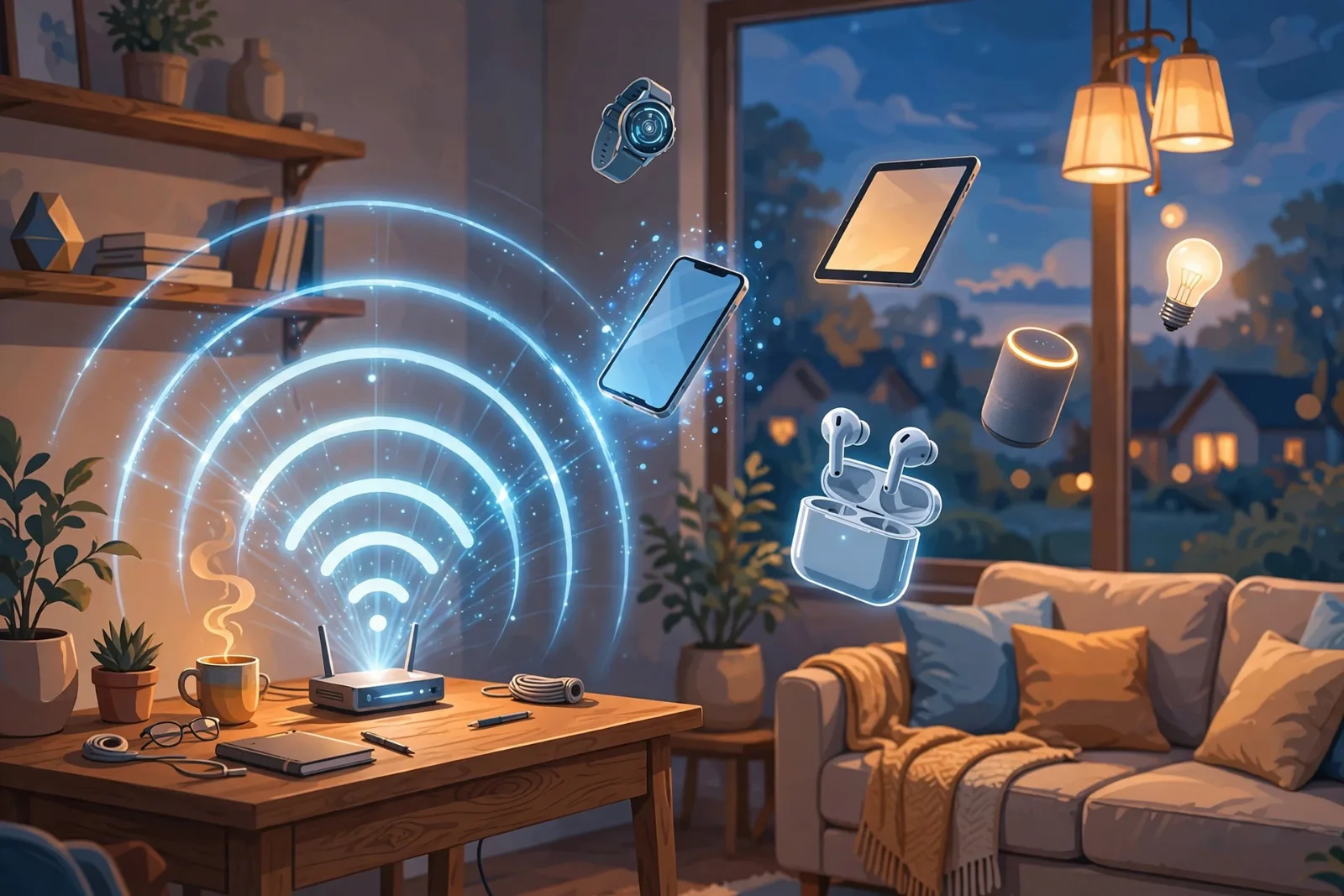
Two honest caveats. First, cable download speeds can match fibre on paper, and for a household that mainly streams video and browses the web, cable's download speed is often plenty — the upload gap only bites when you send a lot. Second, the fastest fibre plan in the world will not fix a weak Wi-Fi signal in a far bedroom: fibre is the highway into your home, and your router's Wi-Fi is how that highway is shared around the house. Our guide to how Wi-Fi actually works explains why the wireless hop, not the fibre line, is often the real bottleneck indoors.
The trap: "fibre" that is not full fibre
This is the most important section for anyone shopping for a plan. Not everything marketed with the word "fibre" is the same product:
- FTTP / FTTH (fibre to the premises / home): fibre runs all the way into your house. This is full fibre, with all the benefits described above.
- FTTC (fibre to the cabinet): fibre runs to a street cabinet, and the last stretch to your house runs over old copper phone lines. This is often sold as "fibre broadband" too, but the copper tail limits speed and reintroduces exactly the weaknesses fibre is supposed to remove — and speeds fall the further your house is from the cabinet.
Before signing up, ask one question and get the answer in writing: does fibre come all the way into my home, or only to the street cabinet? The price difference between the two can be small, but the performance difference is not.
Installation also differs. Full fibre usually needs a technician visit to run the fibre into the home and install a small box called an optical network terminal (ONT), which converts the light signal for your router. Cable, by contrast, often works as a self-install over existing wiring. If a provider promises full fibre with no visit at all, ask how the fibre reaches your router — the answer will reveal which product you are actually buying.
How much speed do you actually need?
Providers sell speed, but households buy experience, and the two are not the same. As a rough guide:
- One or two people, browsing and streaming: 100 Mbps is usually comfortable.
- A family streaming on several devices, with video calls and gaming: 300–500 Mbps gives headroom.
- Content creators, heavy uploaders, or households with many smart devices: symmetrical fibre at 500 Mbps or above earns its keep on uploads alone.
- Above 1 Gbps: genuinely useful only for a few cases — large file transfers, multiple simultaneous 4K streams plus heavy uploads, or future-proofing. For most homes, the jump from 500 Mbps to 1 Gbps is barely noticeable, because the limiting factor becomes Wi-Fi, the device, or the website's own servers.
In other words, do not buy the fastest plan by default. Buy the plan whose upload speed and reliability match what your household actually does, and spend the saving on a better router placement or a wired connection for the device that matters most.
What to check before you switch
- Availability at your exact address — fibre availability varies street by street, not just town by town.
- Full fibre vs fibre-to-cabinet — ask the question above, and check the small print.
- Upload speed, not just download — compare the upload figures, where fibre's advantage lives.
- Contract and price after the introductory period — cable plans in particular often rise sharply once promotions end; compare the ongoing price, not the first-month price.
- Your in-home setup — an old router, a router hidden in a cupboard, or a house with thick walls can waste a fibre upgrade. A wired Ethernet connection for a desktop or TV, or a mesh Wi-Fi system, may improve your experience more than a faster plan.
- Data caps and installation fees — fibre plans less commonly carry data caps, but check anyway.
If fibre is not available at your address yet, cable remains a perfectly good connection for most households — especially a strong cable plan paired with good in-home equipment. The goal is not to own the word "fibre"; it is to have a connection that stays fast and stable at 8 p.m. on a weekday evening, when everyone in the neighbourhood is online at once.
Takeaway checklist
- Fibre carries data as light through glass strands; cable carries it as electricity through copper. Light loses less signal, travels further, and ignores electrical interference.
- Full fibre (FTTP/FTTH) runs glass all the way into your home; fibre-to-the-cabinet (FTTC) still uses copper for the last stretch — always ask which one you are buying.
- Fibre's biggest everyday advantage is symmetrical speed: uploads match downloads, which fixes video calls, cloud backups and uploads.
- Fibre also tends to offer lower latency and fewer peak-hour slowdowns than shared cable networks.
- Cable can still be plenty for streaming and browsing households, and it is far more widely available.
- A fibre upgrade will not fix weak Wi-Fi: the wireless hop inside your home is often the real bottleneck.
- Buy for upload speed, reliability and the ongoing price — not the biggest headline download number.