Every day, roughly 400 billion emails are sent and received around the world, according to the Radicati Group's industry statistics. Yet the system behind it all was invented in 1971 — before the internet as we know it even existed, and decades before smartphones, social media, or Wi-Fi. How did something so old become so essential, and why hasn't it been replaced? Let's trace a message from your Send button to your recipient's inbox.
It Started as a Side Project in 1971
In 1971, an engineer named Ray Tomlinson was working at a research firm called Bolt, Beranek and Newman (BBN), helping build the ARPANET — the US government network that would eventually become the internet. He took a simple program called SNDMSG, which let users of a single computer leave messages for each other, and combined it with a file-transfer tool called CPYNET. The result: the first program that could send a message from one computer to another over a network.
The first email ever sent went between two computers sitting side by side. Tomlinson later admitted he had no idea what it said — probably something meaningless like "QWERTYUIOP", typed at random just to check the system worked.
He also made one decision that shaped everything: he used the @ symbol to separate the person's name from their computer, like user@host. He chose @ simply because it wasn't used in computer usernames at the time, and it naturally read as "at" — this person, at this computer. Fifty-five years later, that format hasn't changed.
What Actually Happens When You Hit Send
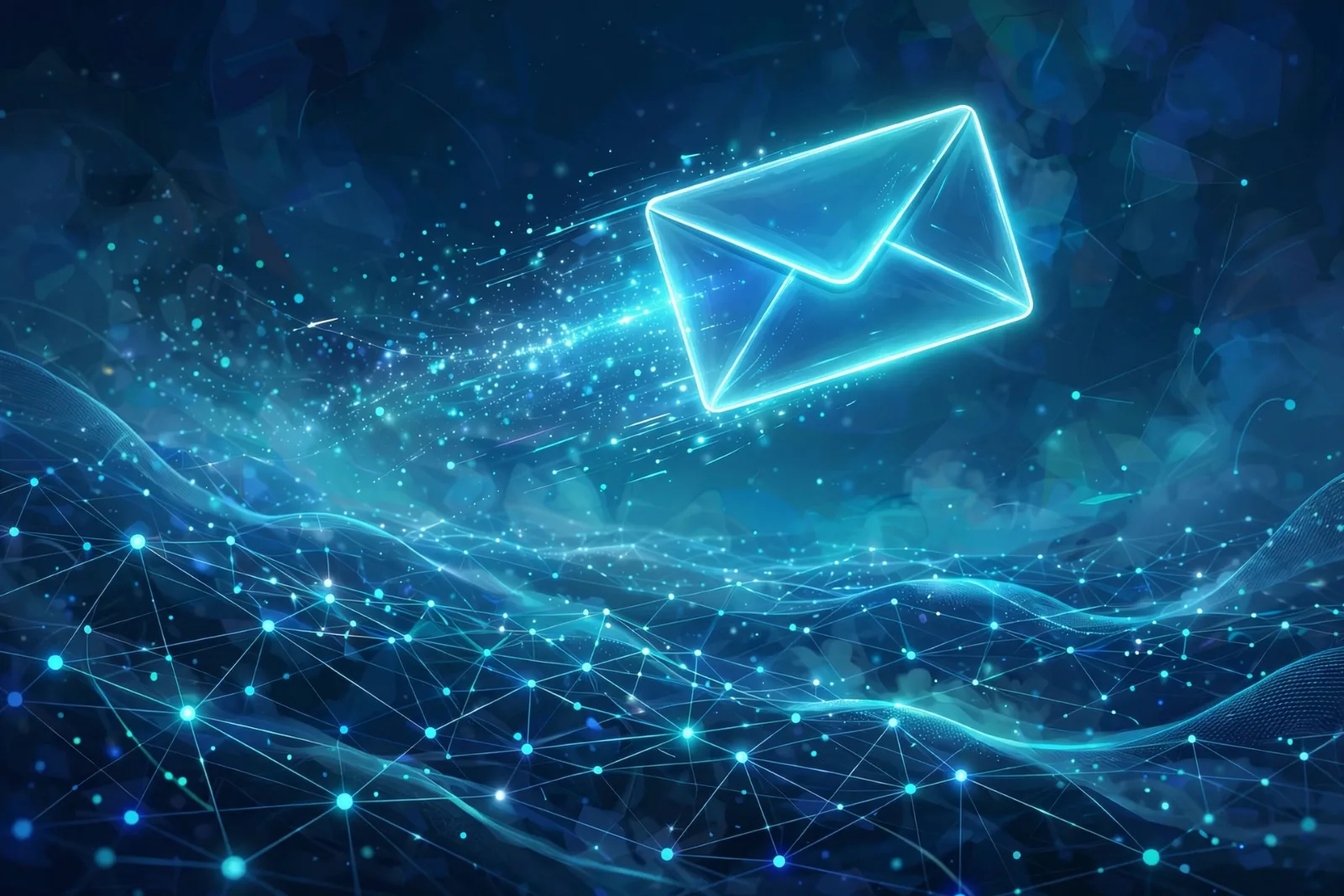
When you press Send, your message goes on a small relay race. It looks instant, but there are several distinct handoffs:
- Your email app contacts your provider's sending server. This first hop uses a protocol called SMTP (Simple Mail Transfer Protocol) — the universal language for moving email between servers. It has been the standard since the early 1980s.
- Your provider finds the recipient's provider. It looks up the domain after the @ (for example, gmail.com) in the Domain Name System (DNS) — specifically a type of record called an MX record — to find which server handles mail for that address. This address lookup is a close cousin of the web-address lookups explained in our guide to how DNS works.
- The servers talk. Your provider's server connects to the recipient's server and hands over the message, which waits in their mailbox.
- The recipient collects it. When the recipient opens their app, a different protocol fetches the message from their provider's server to their device.
Notice the split: one protocol sends, a different one fetches. That division is the key to understanding email.
The Three Protocols That Run Your Inbox
You've probably seen SMTP, IMAP, and POP3 in an email settings screen and wondered what they are. Here's the simple version:
- SMTP (Simple Mail Transfer Protocol) — the sender. It pushes messages out of your app and relays them between mail servers. Modern apps send through port 587 (or 465); port 25 is reserved for servers talking to each other.
- IMAP (Internet Message Access Protocol) — the syncer. It fetches your mail while leaving everything on the server, so your phone, laptop, and tablet all see the same inbox, folders, and read/unread marks. It is what nearly every email app uses today.
- POP3 (Post Office Protocol version 3) — the downloader. It pulls messages off the server onto one device and usually deletes them from the server. Fine for a single computer, but a headache once you add a phone.
| SMTP | IMAP | POP3 | |
|---|---|---|---|
| Job | Sends and relays mail | Retrieves mail, keeps it synced | Downloads mail to one device |
| Direction | Outgoing | Incoming | Incoming |
| Where mail lives | Nowhere — transport only | On the server | On your device after download |
| Multiple devices? | Not its job | Yes — everything stays in sync | No — copies live on one device |
| Common ports | 587 / 465 | 993 | 995 |
The practical takeaway: when a settings screen asks you to choose, pick IMAP unless you have a specific reason not to. Your phone uses SMTP to send and IMAP to read — two protocols working side by side in one app.
The Bodyguards: SPF, DKIM, and DMARC
The original email design had a serious flaw: there was no way to prove who a message was really from. Anyone could type any "From" address they liked. That is exactly what spammers and scammers exploited — and why an extra layer of authentication was built on top.
Three systems now work together to answer the question "did this really come from that domain?":
- SPF (Sender Policy Framework) — a public list in a domain's DNS records naming the servers allowed to send mail for it. The receiving server checks the sender's server against this guest list. If it's not on the list, that's a red flag.
- DKIM (DomainKeys Identified Mail) — a cryptographic signature the sending server stamps onto every message. The receiving server verifies it using a public key published in the sender's DNS records. If even one character of the message was altered in transit, the signature fails — it's a tamper-evident seal.
- DMARC (Domain-based Message Authentication, Reporting and Conformance) — the decision maker. It ties the other two to the domain a human actually sees in the From line, and tells receiving servers what to do when authentication fails: let it through, quarantine it as spam, or reject it outright. It also sends reports back to the domain owner.
This matters more than it used to: since February 2024, Gmail and Yahoo have required this authentication for bulk senders, and a message without it is far more likely to land in spam — or be refused entirely.
Why Spam and Phishing Still Exist
If the defences are that good, why is your spam folder still busy? Three reasons:
- Scale. Radicati puts daily traffic at around 392.5 billion messages in 2026, and roughly half of all email traffic is spam, according to commonly cited industry estimates. Even with filters catching most of it, the sheer volume means plenty slips through.
- Attackers don't play by the rules. Authentication proves a domain is real, but a scammer can simply register a lookalike domain and authenticate it correctly. The technology works — but it can't tell "yourbank.com" from "yourbank-secure.com" for you.
- Human trust. Email is still where invoices, password resets, and delivery notifications live, so it's still where scammers go. They don't need to break encryption; they just need one person to click a link without checking the address.
This is also why your own account deserves protection beyond a password. Authentication protects the sender's identity — protecting your inbox is on you. Turning on two-factor authentication for your email account is one of the single most effective things you can do, because a stolen email address is often the key to everything else you own online.
One fun footnote: spam arrived almost as fast as email did. The first widely reported spam message was sent in 1978. Queen Elizabeth II became one of the first heads of state to send an email in 1976, and the first email from space came down from the shuttle Atlantis in 1991. By the time Hotmail launched in 1996 — freeing people from email addresses tied to their internet provider — and Gmail arrived in 2004, the system Tomlinson sketched out in 1971 was already the backbone of digital life.
Takeaway Checklist
- Email is 55 years old — Ray Tomlinson sent the first networked email in 1971, and chose the @ symbol because it read naturally as "at".
- Hitting Send starts a relay race — your app hands the message to your provider's server, which looks up the recipient's provider via DNS and delivers it there.
- SMTP sends, IMAP fetches and syncs, POP3 downloads — your phone uses the first two together; choose IMAP in your settings.
- SPF, DKIM, and DMARC are email's ID checks — a guest list, a tamper-evident seal, and a bouncer deciding what to do with failures.
- The original system trusted everyone — which is why spam (since 1978) and phishing still thrive despite the defences.
- Protect your account — enable two-factor authentication on your email; it's the master key to your digital life.