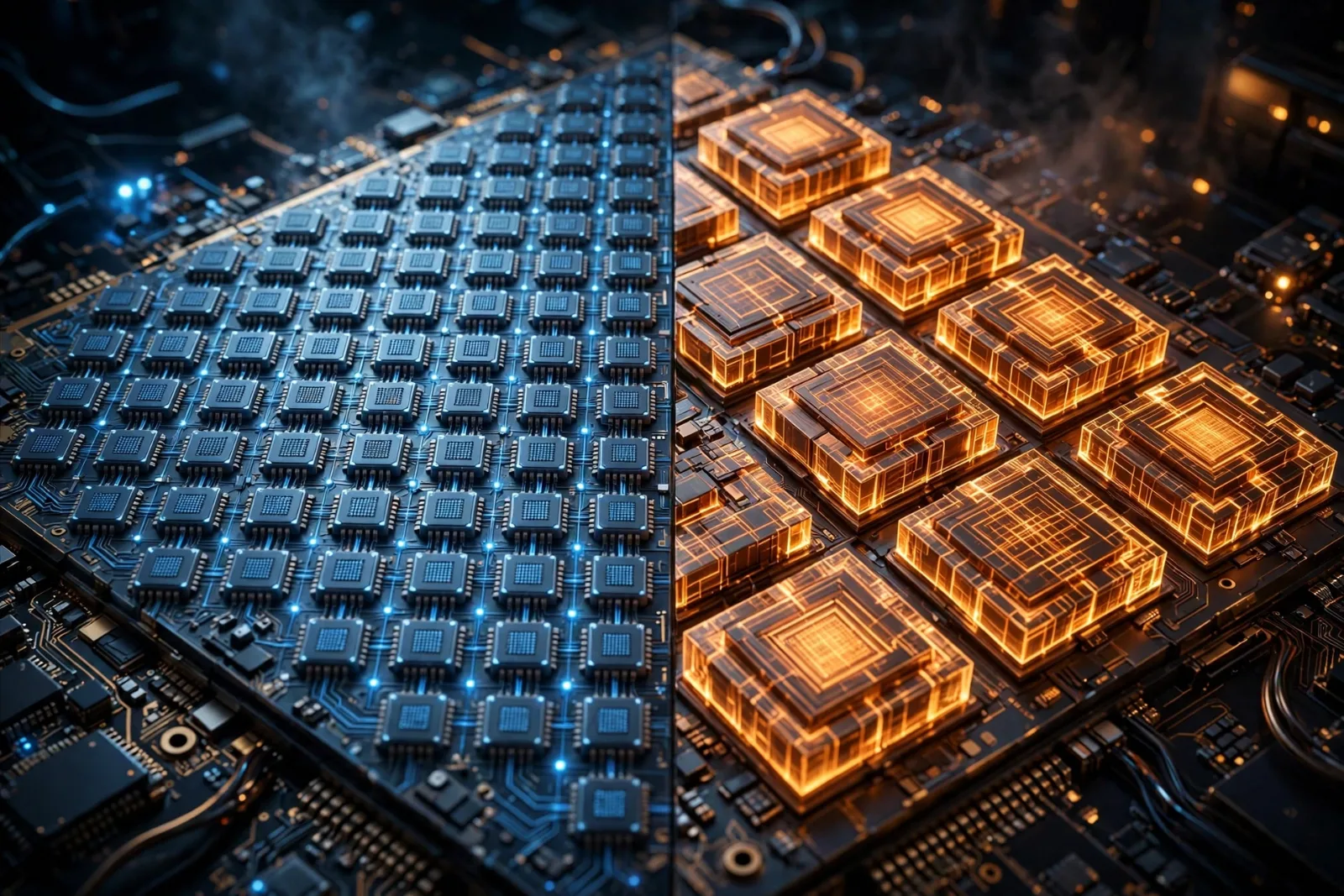
Shop for a graphics card today and the spec sheet throws two kinds of "core" at you: CUDA cores and tensor cores. One card boasts 16,000 CUDA cores; another brags about its tensor cores for AI. They sound similar, they live on the same chip, and they do very different jobs.
Here is the difference in plain English — and which one should actually influence what you buy.
First, what is a "core"?
A graphics card (GPU) is not one big brain. It is thousands of small processors working in parallel. A core is one of those small processors. The trick of GPU design is that instead of a few very powerful cores (like a CPU has), a GPU uses thousands of simpler ones to chew through many small jobs at once. That is why GPUs are so good at graphics and AI: both jobs split naturally into thousands of parallel pieces.
The two core types are two different kinds of small processor, specialised for two different kinds of parallel work.
CUDA cores: the general workers
CUDA cores are the general-purpose parallel processors inside NVIDIA graphics cards. They have been there since 2006, when NVIDIA launched its first unified-shader cards, and they take their name from CUDA, NVIDIA's programming platform, which followed in 2007.
What CUDA cores do:
- Graphics rendering — drawing every triangle, texture and light effect in a game, frame by frame.
- Physics and simulation — cloth, water, particles, crashes: anything that needs thousands of small calculations at once.
- General computing — video editing, 3D rendering, scientific modelling, crypto and data work that can be split into parallel pieces.
How they work: CUDA cores follow a model called SIMT (Single Instruction, Multiple Threads). One instruction is broadcast to many threads at once, and each thread applies it to its own piece of data. Think of it as a factory line where every worker does the same step, but on a different item. It is flexible — CUDA cores can run almost any parallel job you throw at them — but for any single job, each core does just one small operation at a time.
That flexibility is also their limit. A CUDA core is a jack-of-all-trades, and for the specific maths that AI needs, a specialist can do far more per clock tick.
Tensor cores: the AI specialists
Tensor cores arrived in 2017 with NVIDIA's Volta architecture (the Tesla V100 data-centre card) and have been in every major NVIDIA GPU generation since. They exist for one job: matrix multiplication, the mathematical operation at the heart of deep learning.
Why does AI need matrix maths? A neural network is, at its core, a giant stack of matrices — grids of numbers. Training a model or generating an answer means multiplying those grids together, billions of times. A tensor is just a multi-dimensional grid of numbers, and a tensor core is hardware built to multiply them fast.
How they work: instead of doing one operation at a time like a CUDA core, a tensor core crunches an entire matrix tile — a small block such as 4×4 — in a single step. It performs a multiply-and-accumulate operation: multiply two matrices and add the result to a running total, all in one instruction. NVIDIA's CEO Jensen Huang has summed up the split neatly: CUDA cores are great at simulating physics, but tensor cores are optimised for AI.
The second trick is mixed precision. Tensor cores do the multiplication in lower-precision formats — FP16, BF16 or FP8 — which are faster and use less memory, while keeping the running total in full FP32 precision so accuracy does not collapse. For AI work, that trade-off is almost free: neural networks tolerate slightly fuzzy maths remarkably well, and the speed gain is enormous. Published comparisons have shown tensor-core matrix multiplication running many times faster than the same work on CUDA cores alone.
The comparison at a glance
| CUDA cores | Tensor cores | |
|---|---|---|
| Introduced | 2006 (CUDA platform 2007) | 2017 (Volta architecture) |
| Job | General parallel computing | AI matrix multiplication |
| Works on | One operation per core per step | Whole matrix tiles (e.g. 4×4) per step |
| Precision | Mainly FP32 and FP64 | Mixed: FP16, BF16, FP8 with FP32 accumulation |
| Best for | Games, rendering, simulation, general compute | AI training, AI inference, deep learning |
| Found in | Every NVIDIA GPU | Volta (2017) onwards — RTX and data-centre cards |
| Can work alone? | Yes | No — still needs CUDA cores for everything else |
How they work together
A modern GPU is not "CUDA versus tensor" — it is both, cooperating. A typical AI workload flows like this:
- CUDA cores load and prepare the data, handle control logic and anything that is not matrix maths.
- Tensor cores take over for the heavy matrix multiplications at the heart of the neural network.
- CUDA cores finish up: applying activation functions, moving results around and preparing the next step.
Gaming shows the same partnership. The CUDA cores draw the game world; the tensor cores power features like DLSS, NVIDIA's AI upscaling, which renders a game at lower resolution and uses a neural network to reconstruct a sharp, high-resolution image. That is why a card's tensor cores matter to gamers even though they never "see" them.
For the bigger picture of how all of this fits inside a graphics card, see How GPUs Actually Work: The Chips That Trained the AI Boom. And if you want to see where this arms race is heading, Microsoft's custom AI silicon is a good next read: Microsoft's Maia 300 AI Chip, Explained.
Which one matters for what you buy?
- Mostly gaming? CUDA core count and clock speed still drive raw frame rates, but do not compare core counts across brands or generations — a core in a 2026 card does far more per tick than one from 2019. Tensor cores matter through DLSS and frame generation, which can be worth more than a small CUDA advantage.
- Video editing and 3D work? CUDA cores do the bulk of the rendering and encoding work; tensor cores help with AI features like denoising, upscaling and auto-reframing.
- AI work — training or running models? Tensor cores are the deciding factor, along with video memory (VRAM). A card with strong tensor cores and enough VRAM to hold your model will beat a card with more CUDA cores but weak AI hardware.
- Just browsing and office work? Neither matters much. Even a modest modern GPU — or integrated graphics — has more of both than you will use.
One warning: core counts are not a scoreboard. AMD cards do not have CUDA cores at all (they use "stream processors"), and NVIDIA's own core counts change meaning between generations as each core gets more capable. Compare real benchmarks for your actual workload, not the biggest number on the box.
Takeaway checklist
- CUDA cores (since 2006) are general-purpose parallel processors: games, rendering, simulation, general computing.
- Tensor cores (since 2017) are specialists for AI matrix multiplication, processing whole matrix tiles in one step.
- Tensor cores use mixed precision (FP16/BF16/FP8 maths, FP32 totals) for huge AI speed gains without losing accuracy.
- The two work together: CUDA cores prepare and finish, tensor cores do the heavy AI maths in the middle.
- Gamers still need CUDA cores for frame rates, but tensor cores power DLSS upscaling.
- AI buyers should prioritise tensor cores and VRAM over raw CUDA core counts.
- Never compare core counts across brands or generations — compare benchmarks for your real workload.