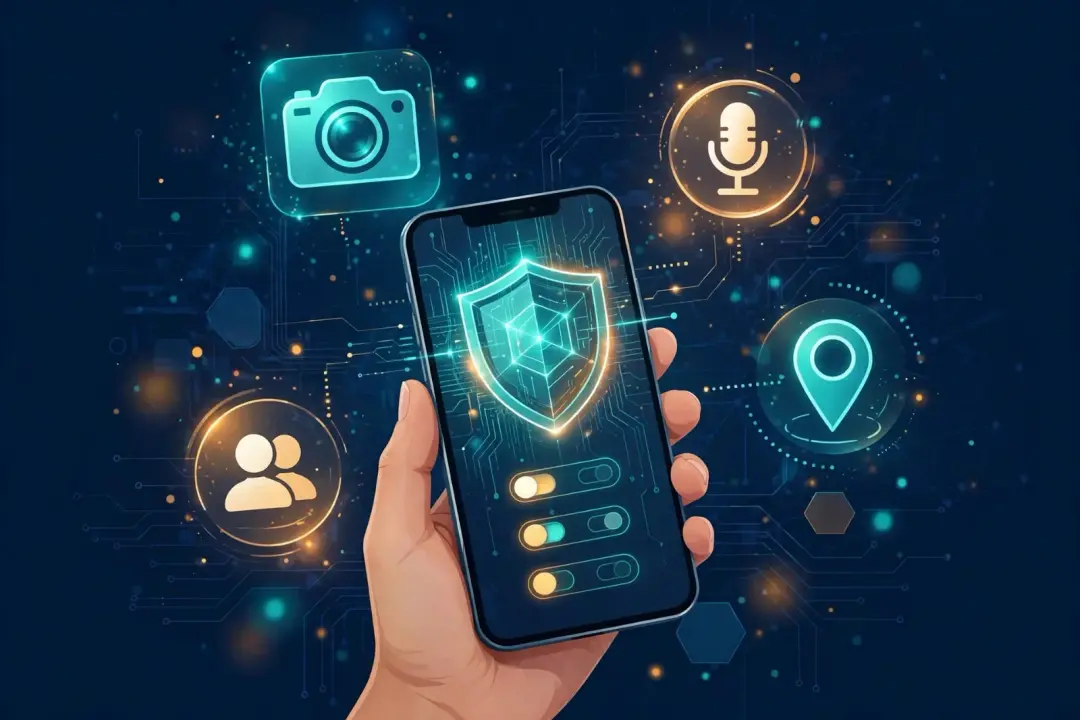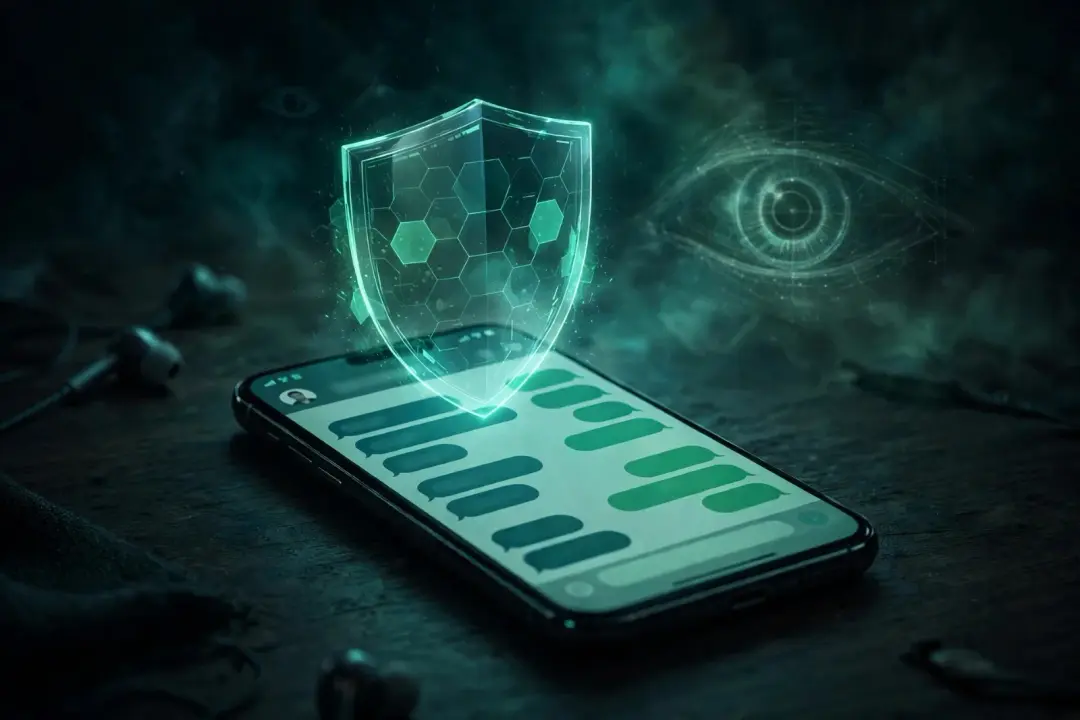
On 20 November 2026, Signal announced it would start blocking screenshots inside its own app — on purpose, and by default. Signal blocks screenshots not to stop people saving a message they were sent, but to stop the AI agents now built into phone operating systems from reading your private chats straight off the screen.
It is a strange moment for a privacy app: deliberately breaking a feature everyone expects, because the feature itself has become a hole in the wall. Here is what changed, why Signal did it, and what it can and cannot protect.
What Signal just changed
Signal's president, Meredith Whittaker, announced the change in a blog post on 20 November 2026 titled "Protecting your privacy from AI agents". Reuters reported the same day that the encrypted messaging service would restrict screenshots to stop AI agents reading private chats on phones, warning that the industry's push to embed AI in consumer devices was eroding its ability to guarantee privacy.
The core idea is simple. Signal's promise has always been that only you and the people you talk to can read your messages. That promise is kept with end-to-end encryption: messages are scrambled on the sender's phone and only unscrambled on the recipient's. But encryption protects messages while they travel. Once a message is displayed on your screen, it is readable by anything that can see the screen — including the AI assistant your phone's operating system now runs.
Why AI agents are the problem
Over the past two years, Apple, Google and Microsoft have built agentic AI deep into their operating systems. These assistants do not just wait for you to ask them something. They can read what is on your screen, summarise it, act on it and remember it, all to be more helpful.
That is exactly the problem. Whittaker wrote that these agentic AI integrations are changing the environment in a way that is "increasingly hostile to privacy". An assistant that can read your screen does not care whether the app on it is encrypted. It sees the words after they have been decrypted for display — your messages, your contacts' messages, photos, codes, all of it.
Signal's own reporting on the announcement named Meta's Muse agent as an example of the risk: Reuters reported earlier in the same week that the agent had been able to bypass its own official restrictions. The point is not that one assistant misbehaved. It is that once an AI agent is allowed to read screens, no app can control what it does with what it sees.
How the block works on each platform
The protection is different on every operating system, because each one gives app developers different tools. Here is the breakdown:
| Platform | What Signal does | The gap |
|---|---|---|
| iOS 27 | Blocks screenshots inside the app by default; adds a "Block Siri AI" setting | Does not stop access through the filesystem |
| Android | Automatically switches on Screen Security when it detects an AI assistant trying to read the screen | Detection does not work on every vendor's version of Android |
| Windows 11 | Already blocks screenshots to stop Microsoft's Recall feature capturing its window (since 2025) | Same filesystem limits apply |
| macOS 27 | No screenshot block — Signal says it lacks the tools to do it reliably | Users must exclude Signal from Siri themselves in System Settings |
A few details matter here. On iOS, the block is on by default, and users who try to take a screenshot will see a pop-up offering to turn the block off. Signal warns that doing so can expose your messages — and your contacts' messages — to these assistants. On Android, the approach is reactive: Screen Security switches on when an assistant is detected reaching for the screen. On a Mac, the workaround is manual: add Signal to the excluded-apps list under System Settings, then Siri.
What the block does not fix
Signal is unusually honest about the limits. The company calls its new protections "incomplete", and that word matters.
Blocking screenshots stops one route into your chats. It does not stop an agent from reaching content that is already stored on the device through other routes, such as filesystem access. If an AI assistant can read files on your phone rather than your screen, a screenshot block does nothing. Signal says restricting screenshots "does not address other more sneaky ways AI agents could potentially access application data, such as retrieving content already present on a user's device via the filesystem."
That is why the second half of the announcement is not a feature at all. It is a demand. Signal wants Apple, Google and Microsoft to give developers documented, reliable ways to opt their apps out of AI data access and processing entirely — screen reading, notifications, filesystem access and system APIs. Right now, Signal argues, the operating system makers set the rules, and app developers are left to work around them with screenshot blocks and settings toggles.
What you should do
If you use Signal, the practical steps are short:
- Update Signal to the latest version on every device, so the screenshot block is active. The change rolled out with the 20 November update on iOS 27 and Android.
- Leave the block switched on. If a pop-up offers to disable it so you can take a screenshot, remember that turning it off exposes not just your messages but your contacts' messages too.
- On a Mac, exclude Signal from Siri yourself. Go to System Settings, then Siri, and add Signal to the excluded-apps list, since there is no automatic block on macOS.
- On Android, check Screen Security is on in Signal's settings if you use an AI assistant heavily, since detection does not work on every manufacturer's version of Android.
None of this makes Signal's protection complete, and Signal does not claim otherwise. But it closes the easiest door — the one where an assistant simply photographs your conversation as you read it.
Takeaway checklist
- Signal blocks screenshots by default (from 20 November 2026) to stop phone AI agents reading your chats off the screen.
- iPhone (iOS 27): screenshots blocked in-app, plus a new "Block Siri AI" setting.
- Android: Screen Security switches on automatically when an AI assistant tries to read the screen.
- Windows: Signal already blocked screenshots to stop Microsoft Recall, since 2025.
- Mac: no reliable block is possible, so exclude Signal from Siri manually in System Settings.
- The big limit: screenshot blocking does not stop AI agents reaching data already stored on your device.
- The bigger point: Signal is asking Apple, Google and Microsoft for a proper opt-out from AI data access — because one app cannot fix this alone.