A VPN is one of the most advertised — and most misunderstood — pieces of software on the internet. The ads promise total invisibility, hackers bouncing off your laptop, and a shield against everything. The truth is less dramatic but more useful: a VPN is a specific tool that does specific things well, and a lot of things not at all. This is the honest version of what a VPN is, how it works, and when you actually need one.
What a VPN actually does
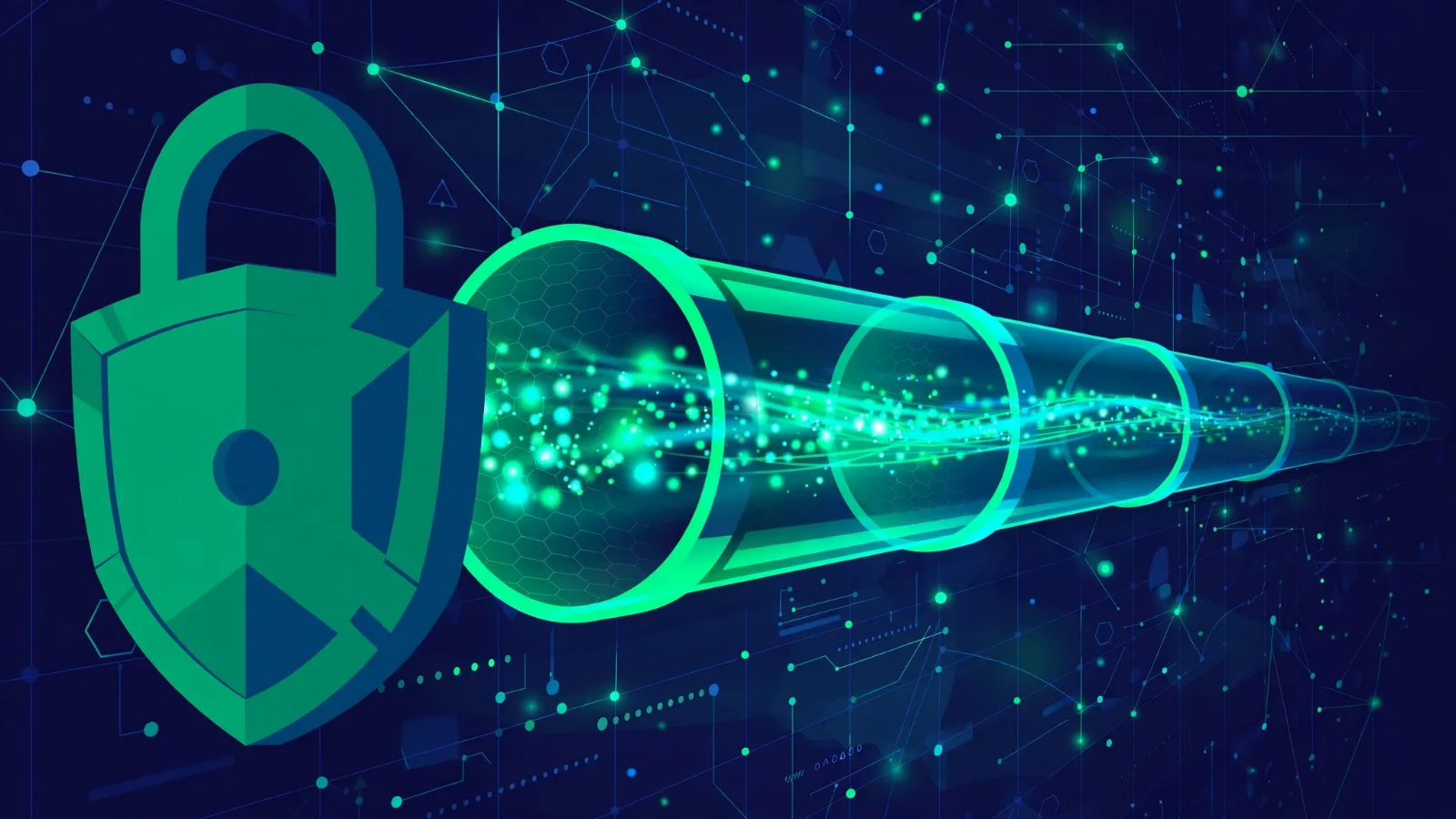
VPN stands for virtual private network. When you connect to one, your device builds an encrypted tunnel to a computer run by the VPN provider, called a VPN server. All your internet traffic travels through that tunnel before reaching its destination.
That changes two things:
- Your internet provider (ISP) can no longer see what you are doing. To your ISP, your Wi-Fi operator, or anyone snooping on the local network, your traffic looks like one stream of unreadable, encrypted data going to a single server. They can't see which websites you visit.
- Websites see the VPN server's address, not yours. Instead of your real IP address — the number that roughly identifies your location — sites see the IP address of the VPN server. If you connect to a server in another country, websites will think you are browsing from there.
One important nuance: most websites already encrypt their content with HTTPS (the padlock in your browser). A VPN adds a second layer of protection on top of that: HTTPS hides what you say from eavesdroppers, while a VPN additionally hides where you are saying it to. For more on the risks of open networks, see our explainer on how Wi-Fi actually works.
How the encrypted tunnel works
Think of the tunnel like sending a sealed letter inside a courier's locked box. Here's what happens when you tap "connect":
- Handshake. Your device and the VPN server exchange cryptographic keys — secret numbers they will use to lock and unlock data. This is called a handshake, and it happens in seconds.
- Encryption. Every packet of data leaving your device is scrambled with a strong cipher — typically AES-256, the same encryption standard trusted by banks and governments. Only the VPN server can unscramble it.
- Routing. The VPN server decrypts your traffic and forwards it to the website or service you wanted, then encrypts the reply on the way back to you.
To anyone between you and the server, everything is gibberish. Even on a compromised or malicious network, your data stays unreadable.
Good VPN apps also include two safety features worth knowing about: a kill switch, which blocks all internet traffic if the tunnel drops so you never accidentally browse unprotected, and DNS protection, which makes sure the address lookups your device performs (translating "example.com" into an IP address) also travel through the tunnel instead of leaking to your ISP.
The main VPN protocols, explained
The protocol is the set of rules that defines how the tunnel is built and maintained. You will usually see three names:
- WireGuard is the newest of the three. It was created by security researcher Jason Donenfeld, first released in 2015, and merged into the Linux kernel in 2020 (version 5.6) — a major vote of confidence from the open-source community. Its code is small and modern, which makes it fast and easier to audit for security flaws. Most new VPN apps default to it today.
- OpenVPN is the veteran. Developed by James Yonan and first published as open-source software in 2001, it has been battle-tested for over two decades. It is open-source, highly configurable, and works on practically every platform. It is generally a little slower than WireGuard but remains extremely trustworthy.
- IKEv2/IPsec is a protocol pair often built directly into phone operating systems. It is stable and good at re-establishing connections when you switch between Wi-Fi and mobile data, which is why it was popular on mobile devices before WireGuard matured.
| Protocol | Strengths | Best for |
|---|---|---|
| WireGuard | Modern, very fast, small auditable code | Everyday use on current apps |
| OpenVPN | Proven for 20+ years, open-source, flexible | Maximum trust, older devices, restrictive networks |
| IKEv2/IPsec | Stable on mobile, quick to reconnect | Phones switching between networks |
You don't need to memorise any of this — just choose a provider that offers WireGuard or OpenVPN, and avoid anything still relying on the outdated PPTP protocol, which is no longer considered secure.
What a VPN does NOT do
This is the part the ads skip. A VPN is not a magic cloak:
- It does not make you anonymous. Signing in to any account — Google, Facebook, your email — identifies you completely, VPN or not. Websites also track you with cookies and browser fingerprinting, which identify your browser's unique setup regardless of your IP address. A VPN hides one identifier; modern tracking uses many.
- It does not replace antivirus. A VPN encrypts your connection, but it does nothing about malicious files, phishing emails, or an already-infected computer. Those threats depend on what you click and open, not on what the network can observe. Our cybersecurity basics guide covers the habits that actually stop malware.
- The VPN provider itself can see your traffic. This is the crucial one. A VPN doesn't remove the watcher — it moves the trust from your ISP to the VPN company. The provider can see which domains you connect to (though not your search terms on HTTPS sites). That is why the provider's logging policy matters more than anything else.
- It doesn't change what's legal. Copyright law, local law, and a website's terms of service apply exactly as they did before you connected.
The honest truth about "no-logs" claims
Almost every VPN company claims a "no-logs" policy — a promise not to record your browsing activity. Since you can't verify that promise yourself, the only evidence that counts is independent verification: reputable providers hire third-party security firms (names like Deloitte, PwC, or Cure53 appear in published audit reports) to inspect their servers and confirm that nothing identifying is actually being stored. Some also run RAM-only servers, which physically cannot retain data after a reboot.
Treat an audit like a health inspection: it doesn't guarantee perfection forever, but a provider with a recent, public, detailed audit report is far more credible than one asking you to just trust its marketing page.
Be especially careful with free VPNs. Running a global network of servers is expensive, and a free app has to make money somehow. Investigations have repeatedly found free VPN apps logging and selling user data, leaking real IP addresses, or bundling trackers — the exact opposite of what a VPN is supposed to do. If privacy is the goal, a paid provider with an audited no-logs policy is the safer bet.
When you actually need a VPN
You don't need a VPN for everything, but it is genuinely the right tool in these situations:
- Public Wi-Fi. Airport, hotel, and café networks are easy to snoop on. A VPN encrypts everything, so the person on the next table sees nothing useful.
- Remote work. Employers use VPNs (often a business variant called remote access VPN) so staff can reach company systems from home over an encrypted link — effectively extending the office network to your living room. See how cloud computing works for the infrastructure behind it.
- Travelling abroad. A VPN lets you reach services from your home country while travelling — your banking app or work tools, for example — by making your connection appear to come from home.
- ISP throttling. Some internet providers slow down specific kinds of traffic, like video streaming, during peak hours. Because a VPN hides what kind of traffic yours is, it can prevent that kind of targeted slowdown — and occasionally make your connection faster.
How to pick a trustworthy VPN
Ignore the loudest ads and check these five things instead:
- A real, audited no-logs policy — look for a recent third-party audit report, not just a claim on the homepage.
- Modern, open protocols — WireGuard or OpenVPN, never PPTP.
- A kill switch and DNS leak protection in the apps.
- A clear business model — you pay for it, so you know how it makes money.
- Transparent company details — real owners, a known jurisdiction, and a published transparency report are good signs.
Red flags: "lifetime" subscriptions for a few dollars, apps that ask for unrelated phone permissions, and providers that refuse to name who owns them.
What about speed?
Yes, a VPN adds some cost: your data is encrypted and takes an extra hop through the VPN server, which adds latency (delay) and slightly reduces speed. In practice, a modern protocol on a nearby server usually costs only a small, barely noticeable slice of your speed — fine for streaming, browsing, and video calls. The slowdown grows when you connect to servers far away or to crowded free servers. Rule of thumb: pick the closest server that does the job.
Takeaway checklist
- A VPN is an encrypted tunnel between your device and a VPN server — your ISP sees scrambled traffic, and websites see the server's IP, not yours.
- It hides your activity from local networks and your ISP, but it does not make you anonymous: logins, cookies, and browser fingerprinting still identify you.
- The VPN company becomes the one party that can see your traffic, so an audited no-logs policy is the single most important feature.
- WireGuard and OpenVPN are the protocols to look for; avoid outdated PPTP.
- Free VPNs are the riskiest choice — running servers costs money, and investigations show many free apps pay for themselves with your data.
- Best uses: public Wi-Fi, remote work access, using home-country services while travelling, and avoiding ISP throttling.
- Picking one: paid, audited no-logs, kill switch, modern protocols, transparent ownership.