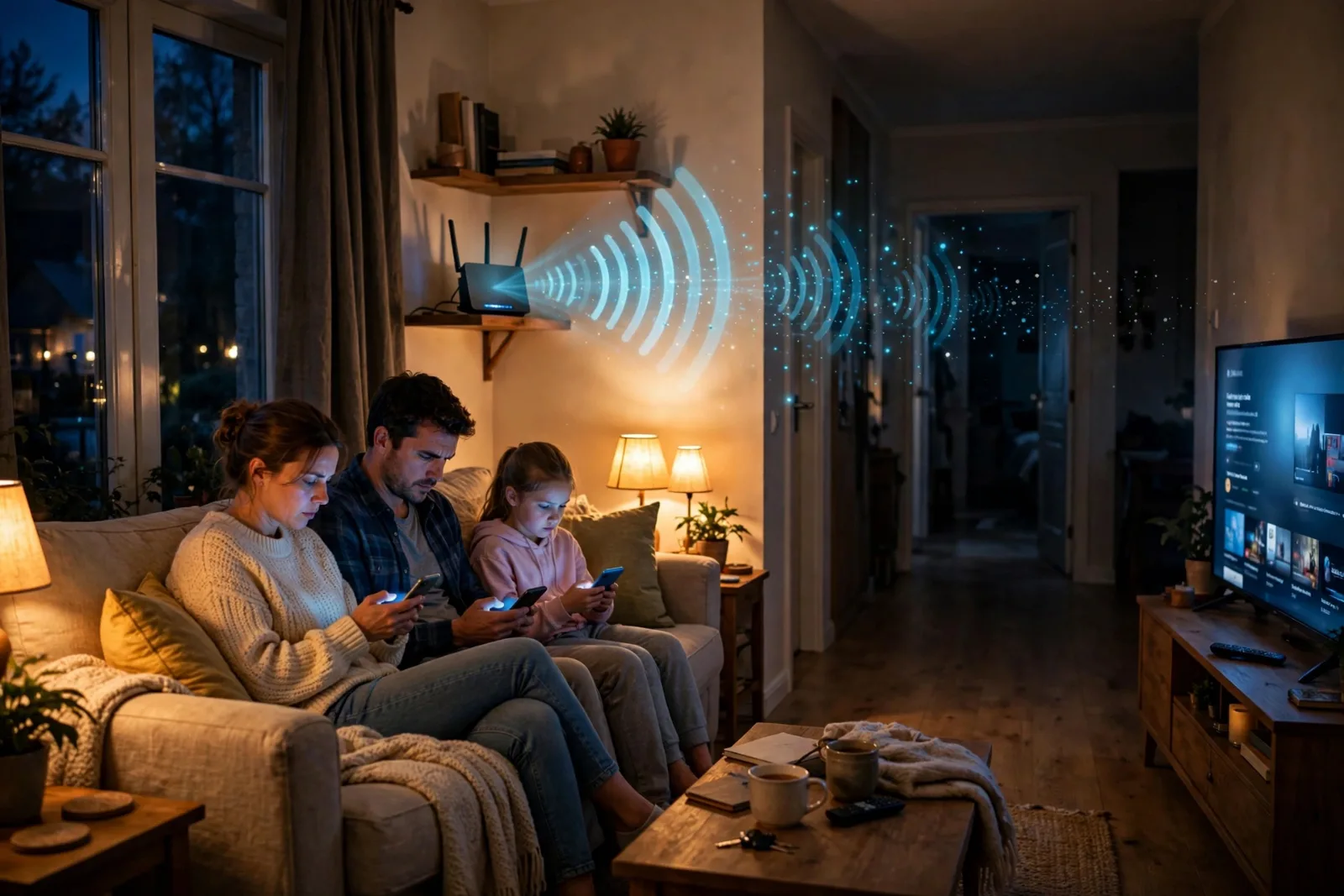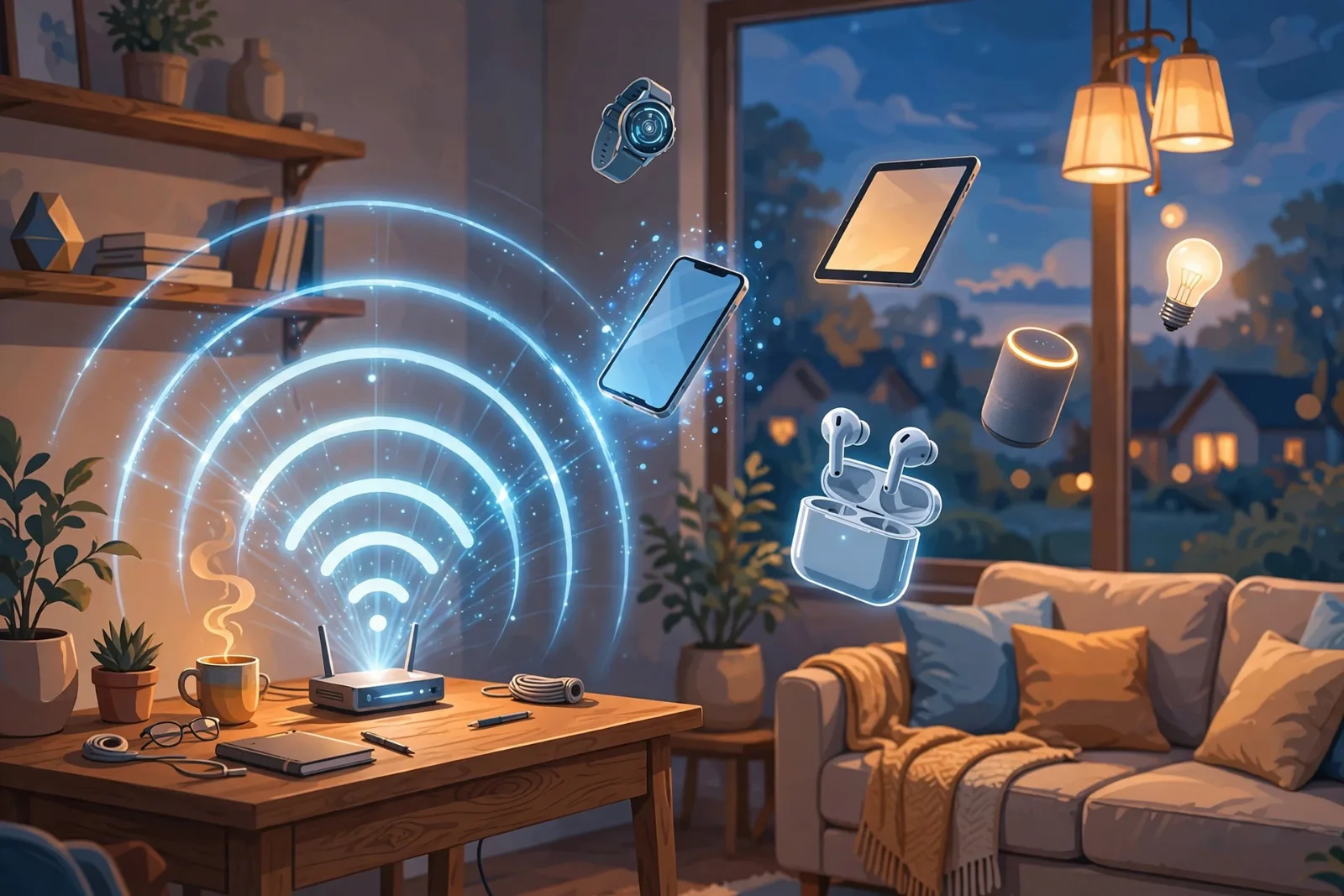
Right now, an invisible network is floating through your home — through your walls, your coffee mug, and probably your hand — carrying movies, video calls, and messages to every screen you own. It is called Wi-Fi, and here is how it works, in plain English.
Wi-Fi Is Just Radio — A Very Organized Kind
Strip away the marketing, and Wi-Fi is radio communication. Your router converts internet data into radio waves; your phone, laptop, and TV do the same in reverse. They follow the shared 802.11 standard, so different brands can decode each other's signals — the Wi-Fi Alliance, a global industry group, certifies that they actually do.
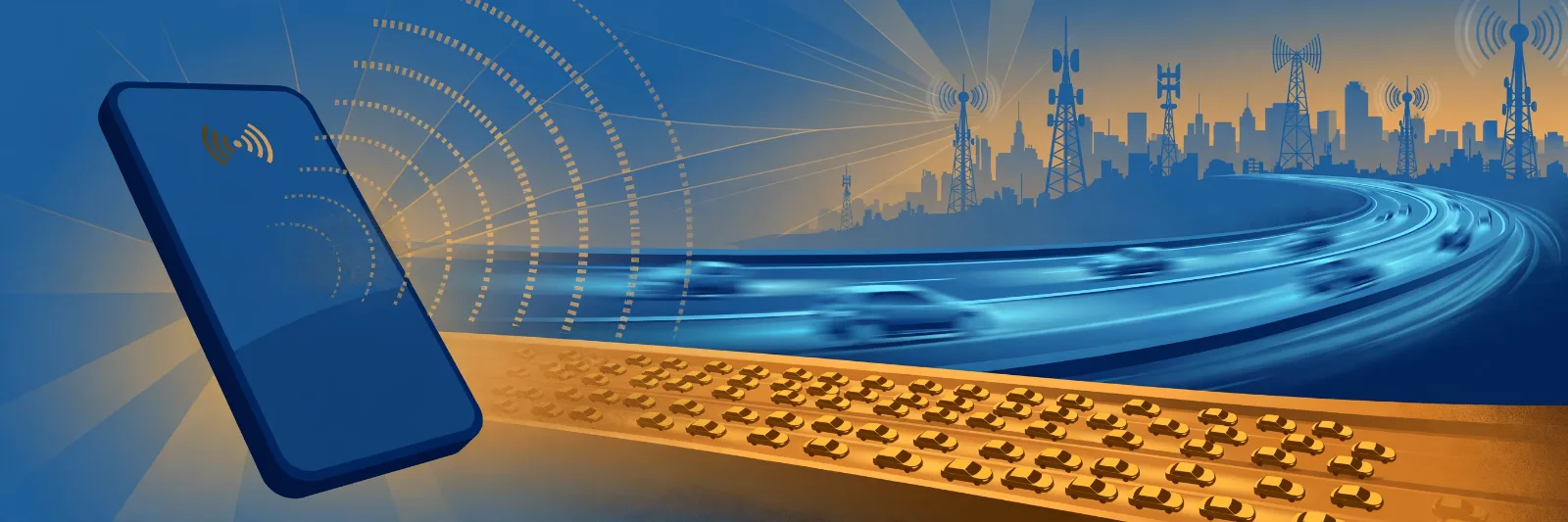
It is exactly how cellular networks work too, just over shorter distances. For the long-distance version of wireless internet, see our explainer on how 5G changes connectivity — and for how internet arrives with no towers at all, our satellite internet explainer.
How Your Router and Devices Hold a Conversation
Wi-Fi is a two-way conversation, not a one-way broadcast like FM radio. Opening a web page works roughly like this:
- Handshake: your phone finds the network name (the SSID) and proves it knows the password.
- Request: your phone sends a tiny packet of radio data asking for the page.
- Relay: the router passes the request to the wired internet through your modem or fiber connection and gets the response.
- Delivery: the router beams the response back in packets, reassembled in order.
One catch: devices take turns — only one can speak per channel, so the router schedules airtime and 30 gadgets share it. Wi-Fi 6 improved this scheduling, as covered below.
The Three Bands: 2.4 GHz, 5 GHz, and 6 GHz
Your router uses bands — slices of the radio spectrum. Think of them as roads of different sizes:
| 2.4 GHz | 5 GHz | 6 GHz | |
|---|---|---|---|
| Range | Longest, passes through walls best | Medium | Shortest |
| Speed | Slowest | Fast | Fastest |
| Congestion | Very crowded — microwaves, Bluetooth, neighbors all share it | Moderate | Almost none |
| Best for | Smart bulbs and plugs, far-flung devices | Laptops, TVs, everyday browsing | Nearby devices needing top speed |
The trade-off is physics: lower frequencies travel farther and pierce obstacles better, while higher frequencies carry more data but fade quickly. Your phone picks automatically — speed when close, range when far.
The 6 GHz band is the newest, opened for Wi-Fi 6E and Wi-Fi 7 routers, adding roughly 1,200 MHz of fresh spectrum (US) with almost no legacy devices cluttering it. The catch: only Wi-Fi 6E/7 devices can use it, and one wall is often enough to stop a 6 GHz signal.
Why Walls and Distance Slow You Down
Wi-Fi weakens in predictable ways:
- Distance: signal strength drops fast — doubling the distance cuts it to a quarter.
- Walls and floors: drywall slows signals; concrete, brick, and metal slow them a lot. A router inside a metal cabinet is basically in a shield.
- Interference and congestion: microwaves, baby monitors, and Bluetooth chatter near 2.4 GHz; neighbors' routers on the same channel are noise; in apartment buildings, dozens of networks slow each other down.
That is why your speed test never matches the box: theoretical maximums are lab figures with one device and no walls.
What Wi-Fi 6, 6E, and 7 Actually Changed
Each generation got faster, but the big wins were about efficiency in crowded homes, not raw speed:
- Wi-Fi 5 (802.11ac, 2014): peak around 3.5 Gbps, 5 GHz only. Introduced MU-MIMO, letting routers serve several devices at once.
- Wi-Fi 6 (802.11ax, 2019): peak of 9.6 Gbps across 2.4 and 5 GHz. Its headline trick is OFDMA — one transmission can serve many devices at once, ideal for smart-home gadgets.
- Wi-Fi 6E (2021): identical to Wi-Fi 6, plus the 6 GHz band — clean spectrum, with WPA3 security mandatory on it.
- Wi-Fi 7 (802.11be, 2024): peak of 46 Gbps, channels up to 320 MHz wide, and Multi-Link Operation across two bands at once.
The honest caveat: Wi-Fi 7 is overkill for most homes. Your internet plan is the real ceiling — a 500 Mbps connection will not go faster because the box says 46 Gbps.
Mesh Systems vs. a Single Router
One router is a single point of light; a mesh system is several small lights working as one. Mesh nodes talk to each other wirelessly and hand your phone between them as you move, presenting one network name.
- A single strong router is enough for small apartments and open-plan homes.
- A mesh system earns its price in multi-story or thick-walled homes, or layouts where the router cannot sit centrally.
- Mesh nodes must also talk to each other, so one node per 1,000–1,500 square feet is a reasonable starting rule.
Security: WPA2 vs. WPA3
Wi-Fi security comes down to one setting: the encryption protocol.
- WPA2: the home standard since the mid-2000s. Still decent with a strong, unique password, but its handshake can be cracked with enough time and computing power.
- WPA3: the current standard — stronger password authentication, better encryption. Required on the 6 GHz band: with WPA2 selected, devices cannot join a 6 GHz network at all.
Use WPA3 if offered (or WPA2/WPA3 mixed mode for older devices). Change the router's default admin password, turn off WPS if unused, and never do banking on open public networks — anyone nearby can watch unencrypted traffic.
Practical Ways to Get Faster Wi-Fi Today
Before spending money on new gear:
- Central, elevated spot. Signals spread outward and downward — the corner of the house is the worst place.
- Keep it in the open. No cabinets or drawers. Metal and water (fish tanks, boilers) are the worst neighbors a router can have.
- Put smart-home gadgets on 2.4 GHz, laptops and TVs on 5 or 6 GHz.
- Update the router's firmware — manufacturers ship real fixes for speed and security bugs.
- Check your plan first. Test next to the router: if it matches your plan's promised speed, the problem is coverage, not the router.
- Wire stationary devices (TVs, game consoles) — it takes heavy traffic off the airwaves.
Takeaway Checklist
- Wi-Fi is two-way radio: devices take turns exchanging tiny packets under agreed rules.
- Bands are trade-offs: 2.4 GHz reaches farthest, 5 GHz is the everyday workhorse, 6 GHz is fastest but fades behind walls.
- Walls, distance, and neighbors cap real-world speed below the number on the box.
- Wi-Fi 6 improved crowded homes, 6E added clean 6 GHz spectrum, 7 peaks at 46 Gbps — but your internet plan is the ceiling.
- Mesh fixes coverage, not speed: buy it when one router cannot reach every room.
- Use WPA3 with a long, unique password; change the router's admin password too.
- Place the router centrally and elevated, out of cabinets; wire stationary devices when you can.
When data cannot afford a trip to a distant cloud server, it gets processed locally instead — that idea is called edge computing.