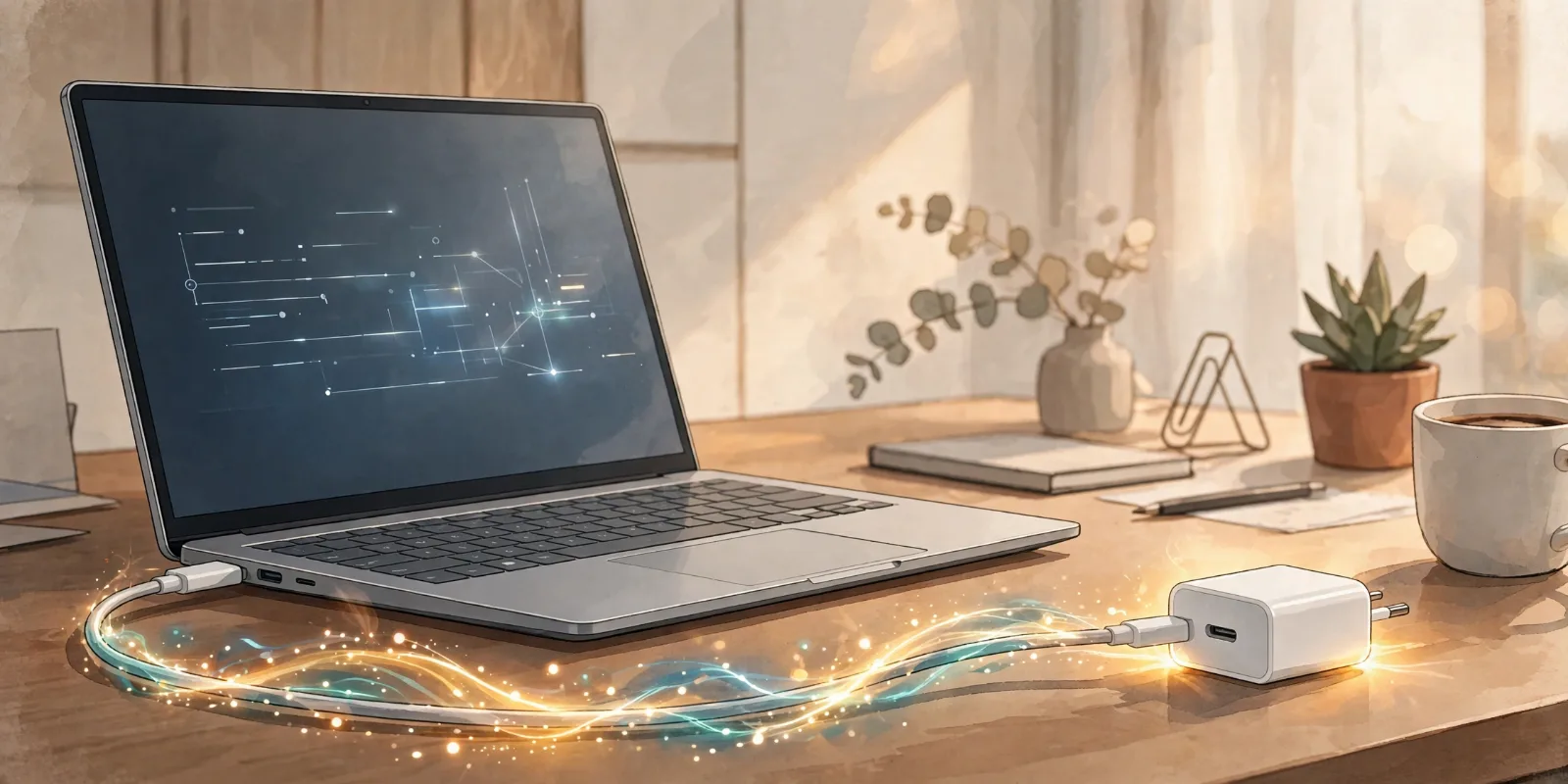
Your laptop is down to 12%, its charger is at home, and all you have is a phone charger. It fits — both use USB-C — so surely it will work? Sometimes it will, sometimes it will do almost nothing. The difference is how much power the charger delivers, and whether your laptop accepts power through that port.
The Short Answer: Yes, But Only Under Three Conditions
You can charge a laptop with a phone charger if all three of these are true:
- Your laptop charges through USB-C.
- The charger supports USB-C Power Delivery (PD).
- The charger is powerful enough — or you accept very slow charging.
If your laptop uses an old round barrel plug, a phone charger cannot help. If it has USB-C ports but none accept charging, plugging in will do nothing. So the first question is never "does it fit?" It is "does this laptop charge over USB-C, and through which port?"
Why the Same Plug Does Not Mean the Same Power
USB-C is a connector shape, not a promise. Two ports that look identical can do very different jobs: one may accept charging, while the one next to it is data-only. Some laptops have several USB-C ports but only one that charges.
Look for a small battery or plug symbol beside the port, or check the manual for USB-C PD or Power Delivery.
The cable matters too. Above 60W, a cable needs an internal e-marker chip that tells the charger and laptop what it can safely carry. A 60W-rated cable caps the whole setup at 60W, even with a 140W charger.
The Wattage Maths: Why Phone Chargers Struggle
Charging power is measured in watts (W) — think of it as the size of the pipe. A bigger pipe fills the tank faster, but only if the tank is built to accept that flow.
An older phone brick may deliver just 5W. A typical modern phone charger delivers 18W to 25W, and some flagship phone chargers reach 45W. That is plenty for a phone, which has a small battery and sips power.
Laptops are thirstier. Most thin, everyday laptops need 45W to 65W to charge properly while in use. Larger 15-inch laptops often need 65W to 100W, and gaming laptops can need 140W or more. Earlier USB PD versions topped out at 100W; USB PD 3.1 with Extended Power Range raises the ceiling to 240W (48 volts at 5 amps). A 25W phone charger, in short, is trying to fill a laptop-sized tank through a straw.
What Different Chargers Can Actually Power
| Charger power | What it can realistically do |
|---|---|
| 5W–18W (basic phone brick) | Almost nothing. It may slow battery drain slightly, or the laptop may refuse to charge. |
| 20W–30W (typical phone charger) | Trickle-charges a light laptop when off or asleep. Very slow while in use. |
| 45W–65W (good phone or compact laptop charger) | Charges most ultrabooks and everyday 13–14-inch laptops at a normal pace. |
| 100W+ (dedicated laptop charger) | Charges larger laptops and many performance machines properly, even under load. |
| Up to 240W (USB PD 3.1 EPR) | The current USB-C ceiling, for high-end gaming and workstation laptops. |
These are typical ranges, not guarantees. The whole setup drops to the weakest link.
What Happens With an Underpowered Charger?
Nothing dramatic — and that is the good news. A modern USB-C laptop will not be forced to take more power than the charger offers. Instead, one of these usually happens:
- The laptop charges very slowly, most likely if it is off, asleep, or only doing light work.
- The battery holds steady, or drains more slowly. While you work, the laptop may use nearly all incoming power just to run, leaving little for the battery.
- The battery still drains under heavy load. Video editing or gaming can use more power than a small charger supplies.
- The laptop refuses to charge, showing "plugged in, not charging" or a warning that the charger is too weak.
An underpowered charger does not normally damage a modern laptop. The annoyance is practical: an hour at a café may gain almost no charge.
Is It Safe? The Negotiation That Protects You
Yes, with one condition: use a charger and cable that properly support USB-C Power Delivery.
Before serious power flows, charger and laptop perform a handshake, agreeing on a voltage and current both can handle. Without USB PD, a USB-C connection is limited to just 15W. A 65W charger will not force 65W into a phone that only wants 20W.
The real risk is not a weak charger. It is a cheap, non-certified charger or cable that does not follow the standard properly. Poorly made chargers can overheat or deliver unstable power. So buy from reputable brands, look for USB-IF certification, and stop using any charger or cable that gets unusually hot or has a damaged connector.
How to Check, and Travelling With One Charger
You need no tools for this:
- Find your laptop's required wattage, printed on the original brick as "Output" or listed in its specifications. If it says 65W, that is your target.
- Check the phone charger's output in the small print. On a multi-port charger, check a single port's output, not the combined total — the headline number can mislead.
- Use the charging port, not a data-only port, and a cable rated for the wattage if it is above 60W.
- Test while idle first. If the percentage rises while the machine is idle, the setup works; if it only holds steady, you know its limit.
For travel, do not rely on a small phone brick. Carry one good USB-C PD charger rated for your laptop — 65W for most people, 100W for larger laptops. It will charge your phone well too, because the phone simply takes the smaller amount it needs. Pack the laptop's own cable, and charge overnight when you can: a weak charger can still help while the laptop sleeps.
To understand what is happening inside the battery, read our explainer on lithium-ion batteries.
Takeaway Checklist
- Check the port first: does your laptop charge over USB-C, and which port does it?
- Check the wattage: read the number on your original laptop brick — that is your target.
- Match or beat it: at or above that wattage charges normally; below it charges slowly or not at all.
- Mind the cable: above 60W, you need a cable rated for the power, with an e-marker chip.
- Trust the handshake: USB-C PD negotiation means a proper charger will not overpower your device.
- Avoid cheap uncertified chargers: they are the real safety risk, not low wattage.
- For travel, carry one 65W (or 100W) PD charger instead of relying on a small phone brick.
So, can you charge a laptop with a phone charger? Sometimes, slowly, and only if the laptop charges over USB-C. If you want it to actually work when it matters, carry a charger built for the laptop, and let your phone share it — not the other way round.