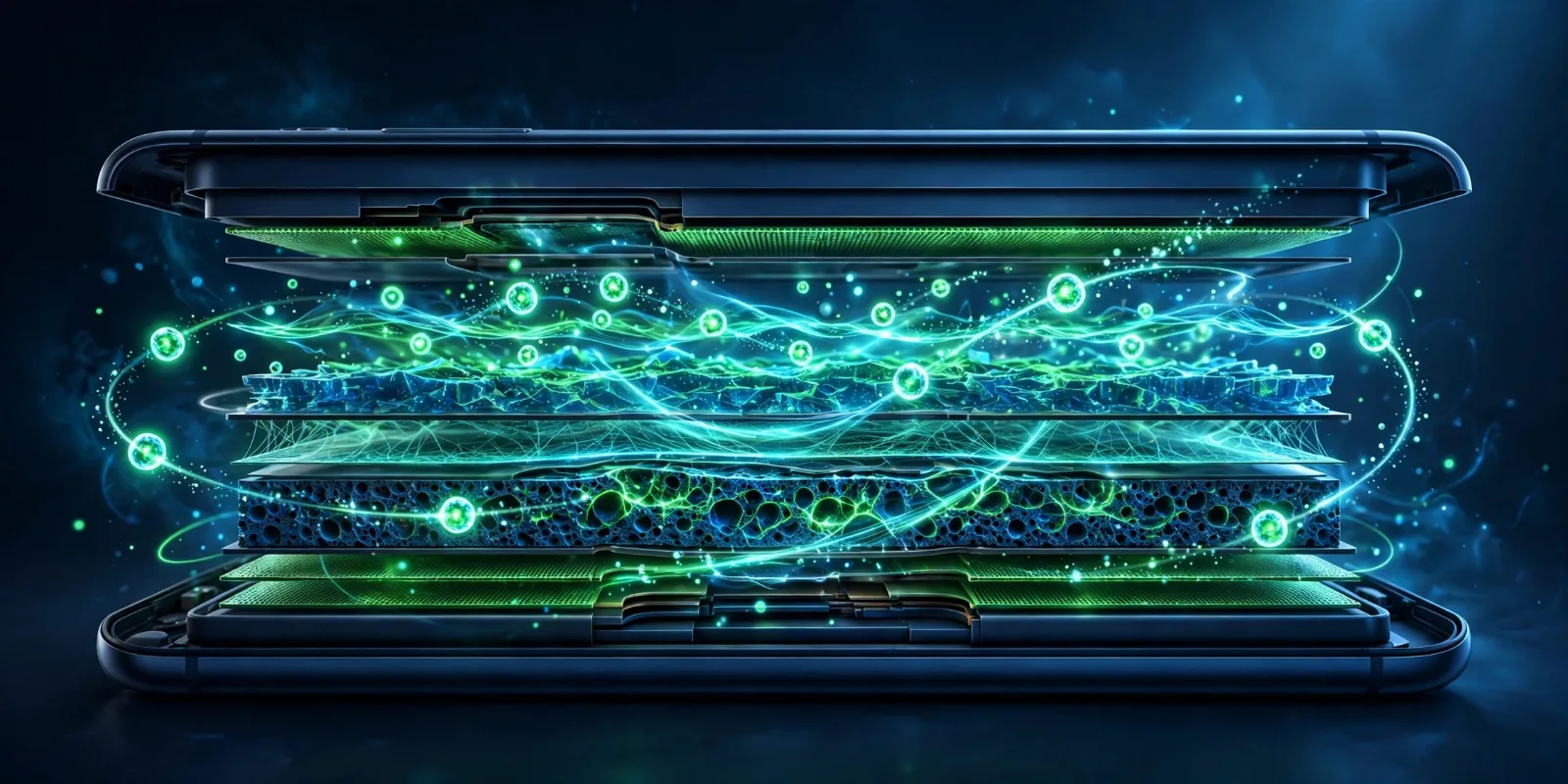
Every phone, laptop, earbud case, and electric scooter you own runs on the same quiet miracle: the lithium-ion battery. It is light, rechargeable, and holds a surprising amount of energy for its size — but it is also the reason your two-year-old phone barely survives until dinner. Here is what is actually going on inside that sealed metal rectangle, why it wears out, and how to slow that down.
What's Actually Inside a Lithium-Ion Cell
Open a lithium-ion cell (don't — it is hazardous), and you will find four parts:
- Anode (the negative side): usually made of graphite, a form of carbon.
- Cathode (the positive side): usually a metal oxide containing lithium, such as lithium cobalt oxide in most phones.
- Electrolyte: a liquid chemical bath the other parts sit in, which lets ions move between the two electrodes.
- Separator: a thin membrane between anode and cathode that lets ions pass but stops the electrodes from touching, which would cause a short circuit.
That is the whole cast. Everything a battery does comes down to the movement of one tiny actor between them: the lithium ion, a single charged lithium atom stripped of an electron.
How Charging and Discharging Actually Works
Think of charging and discharging as a conveyor belt running in two directions.
- Discharging (using the phone): lithium ions flow from the anode to the cathode through the electrolyte. As each ion makes the trip, an electron takes a separate path — through your phone's circuits, powering the screen and processor — before reuniting with the ion at the cathode. The phone runs on that flow of electrons.
- Charging (plugging in): the charger pushes electricity back in, forcing the ions to travel the opposite way, from the cathode back into the graphite anode, where they wait until you unplug.
That is why they are sometimes called "rocking-chair" batteries: the lithium ions just rock back and forth between the two electrodes, over and over. Nothing is burned, nothing is consumed — which is why they can be recharged hundreds of times.
One useful number: a single cell reads about 4.2 volts when fully charged, about 3.7 volts at its nominal level, and around 3.0 volts when it is effectively empty. Drop below about 2.5 volts and the chemistry starts breaking down permanently. Your phone's software never lets it get that low on purpose — more on that below.
Why Batteries Degrade Over Time
If nothing is consumed in the rocking chair, why do batteries wear out at all? Because the trip isn't perfectly clean. Three things happen gradually:
- A crust forms on the anode. Every time ions move in and out, a thin layer (engineers call it the SEI layer) builds up on the graphite. It permanently traps some lithium ions, so fewer remain free to shuttle. This is the main reason capacity fades.
- Heat speeds up the damage. High temperatures accelerate the unwanted chemical side-reactions. A phone that spends its life in a hot car ages noticeably faster than one kept cool.
- Calendar aging happens anyway. Even sitting unused on a shelf, the chemistry slowly reacts with itself. A battery loses a little capacity every year no matter what you do.
In practical terms, most consumer lithium-ion batteries — the kind in phones and laptops — are rated for roughly 300 to 500 full charge cycles before their capacity drops significantly. Apple, for example, rates iPhone 14 and earlier batteries to keep about 80% of their original capacity after 500 cycles, and iPhone 15 and later models to hit 80% after 1,000 cycles. A "cycle" means 100% of capacity used in total — using 50% today and 50% tomorrow counts as one cycle, not two.
What "Battery Health %" Actually Means
When your phone shows Maximum Capacity: 87%, it is telling you how much charge the battery can hold compared to when it was brand new. It has nothing to do with the percentage at the top of your screen right now — that is just how full it is at this moment.
As the percentage slides downward, you will notice shorter battery life, and eventually unexpected shutdowns or throttled performance, because an aged battery cannot deliver power as reliably under sudden load. Apple flags a battery as "significantly degraded" at or below 80% and recommends a replacement at that point. You cannot reverse this number with settings or apps — the chemistry is permanently changed. The only real fix is a new battery, which is why treating it well matters.
Charging Myths vs. Facts
Battery advice is full of folklore left over from older battery types. Here is what actually applies to the lithium-ion cells in your gadgets:
- Myth: "Don't leave your phone plugged in overnight — it will overcharge." Fact: modern phones stop actively charging at 100% and just maintain the level. Overnight charging is not the enemy; heat is. A warm room and a heavy blanket over the phone are worse than the charger itself.
- Myth: "You need to drain it to 0% regularly to calibrate it." Fact: deep discharges actually stress the chemistry more. This myth comes from old nickel-based batteries, which had a "memory effect." Lithium-ion cells don't.
- Myth: "Fast charging ruins the battery." Fact: fast charging generates extra heat, and heat is what causes the extra wear — the speed itself is not the villain. Charging quickly is fine occasionally; doing it daily in a hot environment adds up.
- Fact: sitting at 100% for long stretches adds stress. Batteries are happiest in the middle. Many phones now offer optimized or limited charging (stopping at 80–90%) for this reason — worth switching on if yours has it.
Battery Safety: Why They Sometimes Catch Fire
Lithium-ion batteries store a lot of energy in a small, flammable package, so failures can be dramatic. When a cell is damaged — a puncture, a crushing impact, or a manufacturing defect — it can enter thermal runaway: a chain reaction where the cell heats up, which makes more heat, until the electrolyte ignites. That is what is behind phone and e-bike battery fires.
This is why every device has a Battery Management System (BMS) — a small circuit board that watches the cell constantly. It cuts off charging before overcharge, stops discharge before the voltage drops too low, and shuts things down if temperatures spike. Serious fires almost always involve physical damage or defective cells that slipped past these protections. So the practical rule is simple: never use a battery that is swollen, punctured, or damaged, and only buy chargers and replacement batteries from reputable sources.
Li-Ion vs. Li-Polymer vs. Solid-State: How They Compare
You have probably seen "Li-ion" and "Li-polymer" on device specs. They are closely related — lithium-polymer batteries are technically still lithium-ion chemistry; the difference is in the packaging and electrolyte. Solid-state, though, is a genuinely different design on the horizon.
| Feature | Lithium-ion (liquid) | Lithium-polymer (pouch) | Solid-state (upcoming) |
|---|---|---|---|
| Electrolyte | Liquid chemical bath | Gel/polymer in a flexible pouch | Solid ceramic or sulfide layer |
| Typical uses | Laptops, power tools, EVs | Phones, wearables, drones | EVs and premium devices, from ~2027–2028 |
| Energy density | High | High, slightly better shape flexibility | Expected much higher |
| Safety profile | Good, but flammable liquid inside | Similar, pouch can swell instead of burst | Expected much safer — no flammable liquid |
| Cost | Mature and cheap | Slightly more expensive to make | Still expensive; early production is limited |
| Typical lifespan | 300–500 full cycles in gadgets | Similar to standard Li-ion | Projected longer, but unproven at scale |
Your phone almost certainly uses a lithium-polymer pouch cell today — the flat, silver rectangle inside — because it can be made thin and shaped to fit. The classic cylindrical cells (like the 18650) still dominate laptops and many EVs.
Solid-State Batteries: What's Actually Coming
The next big leap is replacing the flammable liquid electrolyte with a solid one. The promise: higher energy density, faster charging, and far less fire risk.
Where does it really stand in 2026? It has moved out of the lab but is not in your phone yet:
- Toyota targets commercialization of solid-state EVs in 2027–2028, working with Idemitsu on sulfide electrolytes.
- Samsung SDI aims to start mass production in the second half of 2027 at its Ulsan plant.
- Nissan is targeting a solid-state EV for fiscal year 2028.
- QuantumScape opened a pilot production line in California in early 2026, still at pilot scale.
- ProLogium in Taiwan announced mass production of a certified all-solid-state cell (381 Wh/kg) in September 2026, aimed at data centers, marine, and aerospace first — not phones.
The honest caveat: timelines in this industry have slipped before, and early solid-state cells will be expensive. Realistic expectations are EVs first, premium devices later, and mainstream phones only after costs come down — likely well into the 2030s.
Practical Tips to Make Your Battery Last Longer
You can't stop a battery from aging, but you can slow it noticeably:
- Keep it cool. Avoid charging in direct sun, under pillows, or in hot cars. Heat is the single biggest accelerator of degradation.
- Avoid the extremes. Try to keep the charge roughly between 20% and 80% day to day, especially if you charge overnight.
- Use your phone's charge limiter. If it offers an 80% or "optimized charging" option, switch it on.
- Store spare devices at about half charge. If you are putting a device away for months, leave it near 50% in a cool place — not full, not empty.
- Use decent chargers. Cheap, uncertified chargers are not worth the risk to a battery — or your home.
- Don't panic about fast charging. It is fine when you need it; just don't make it your only habit in a hot environment.
If you are curious how the same storage technology scales up, our explainer on renewable energy technology covers the giant battery installations that store solar and wind power for the grid. And if you wonder how such a tiny cell fits in a smartwatch, see our guide to wearable technology.
Takeaway Checklist
- A lithium-ion battery powers your phone by shuttling lithium ions back and forth between a graphite anode and a metal-oxide cathode.
- Charging pushes ions back to the anode; discharging lets them flow to the cathode, and your device runs on the electrons that travel alongside.
- Batteries degrade because a crust (the SEI layer) permanently traps some lithium ions with every cycle — heat and deep discharges speed this up.
- Most phone batteries last roughly 300–500 full cycles before losing significant capacity; nothing can reverse this wear except a replacement battery.
- Battery health % means capacity compared to new — 80% or below is Apple's replacement threshold.
- Modern phones manage overcharging for you; the real dangers are heat, cheap chargers, and physically damaged cells.
- A BMS guards against overcharge, over-discharge, and overheating — it is why fires are rare, not why you can be careless.
- Solid-state batteries are real and in pilot production, with EVs expected around 2027–2028 — but mainstream phones are years further out.