Dark mode is one of those features almost everyone turns on and then stops thinking about. It looks cooler, it feels easier on your eyes at night, and ever since manufacturers started promising "better battery life," millions of people have believed the toggle was quietly saving their battery. But is it? Researchers at Purdue University actually measured it — and the answer is more interesting than a simple yes or no.
The Study That Settled the Debate
In 2021, researchers Pranab Dash and Professor Charlie Hu at Purdue University's Elmore Family School of Electrical and Computer Engineering presented their findings at MobiSys '21, a major mobile computing conference. Instead of trusting marketing claims, they built a precise power-profiling tool that could measure exactly how much energy a phone's screen used, pixel by pixel.
They tested four phones from different points in the OLED timeline — the Google Pixel 2, Motorola Moto Z3, Pixel 4, and Pixel 5 — running six popular Google apps: Calculator, Google Maps, Google Calendar, Google News, Google Phone, and YouTube. For each app, they measured power use in light mode versus dark mode at different brightness levels.
The results:
- At 100% brightness: switching to dark mode cut power use by 39–47% on average across the tested phones.
- At 30–50% brightness: the same switch saved only 3–9% on average.
That gap is the whole story. The big savings are real, but they only show up when your screen is cranked to maximum — something that mostly happens outdoors in bright sunlight. Indoors, where most of us spend most of our screen time, the savings are small enough that most users would never notice them.
Why the Screen Type Decides Everything
Whether dark mode saves any battery at all depends on one thing: whether your phone has an OLED or an LCD screen.
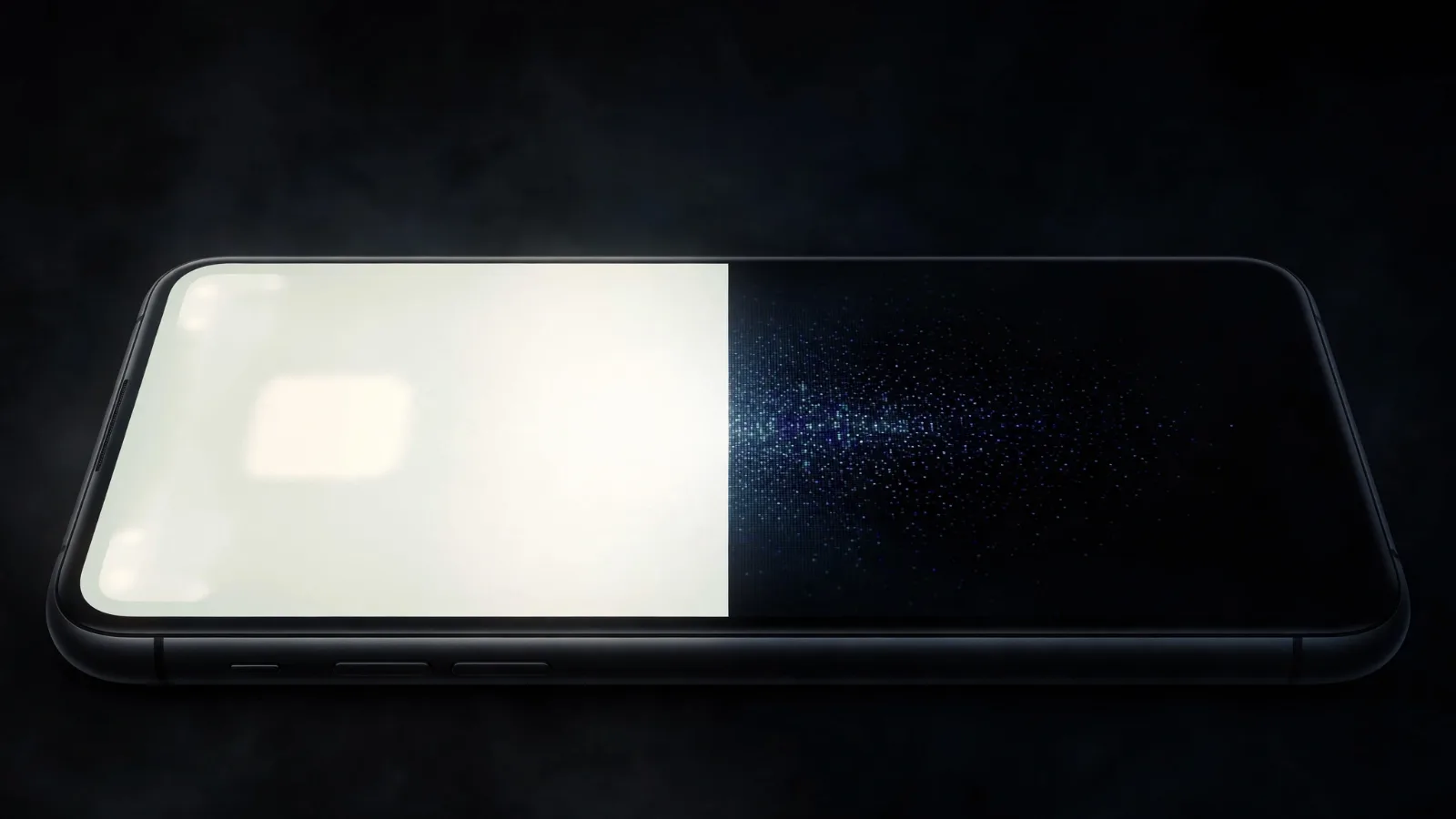
An OLED (organic light-emitting diode) screen has no backlight. Every pixel makes its own light, so when a pixel is supposed to show pure black, it simply switches off. No light, no power flowing. A mostly-black dark-mode screen means most pixels are off or dim — and that is where the savings come from.
An LCD screen works the opposite way. A single backlight glows at constant intensity behind the whole display, and liquid crystals twist to block that light where the image needs to be dark. Switching to dark mode doesn't turn the backlight down — it just asks more pixels to block more light. The result: dark mode on an LCD phone saves essentially nothing.
Most flagship phones made since 2017 use OLED screens, while many budget phones still use LCD. To learn more about how these screens work, see our OLED displays explainer.
Why Brightness Matters More Than the Theme
Here is the finding most people miss: the researchers found that brightness is the deciding factor in how much dark mode saves. The reason is simple physics. An OLED pixel's power use scales with how brightly it glows. In dark mode at low brightness, the pixels that are on are barely drawing power anyway — so turning the dark ones off doesn't move the total much.
Most phones sit at around 30–40% brightness indoors when auto-brightness is on, which is why Purdue's realistic number was only 3–9%. Turn the brightness up to maximum outdoors, and the display becomes the hungriest part of the phone — at that point, killing most of the pixels with dark mode makes a genuinely big difference.
So if your goal is longer battery life, the single most effective screen setting isn't the theme. It's the brightness slider:
- Turn on auto-brightness and let the phone keep the screen no brighter than needed.
- Lower manual brightness when you're indoors — the screen uses less power, dark mode or not.
- Reserve maximum brightness for bright sunlight, where the phone needs it to stay readable.
When Dark Mode Helps — and When It Doesn't
Put together, the research draws a clear line. Here is the short version of what Purdue's numbers mean in practice:
| Situation | Dark mode saves |
|---|---|
| OLED phone, 100% brightness (outdoors in sun) | 39–47% — a big difference |
| OLED phone, 50% brightness (bright room) | ~8.5% — modest |
| OLED phone, 30% brightness (dim room, evening) | Under 5% — barely noticeable |
| LCD phone, any brightness | ~0% — the backlight stays on either way |
Dark mode genuinely helps when:
- Your phone has an OLED screen (most flagships since 2017).
- You're outdoors or in a bright room with the screen at or near maximum brightness.
- You use apps with true black backgrounds — pure black pixels switch fully off.
Dark mode barely matters when:
- Your screen is at normal indoor brightness (30–50%), where savings are just 3–9%.
- Your phone has an LCD screen — the backlight stays on regardless of theme.
- The app uses dark gray instead of pure black, which keeps pixels partially lit.
One more detail worth knowing: your phone's built-in battery stats can't actually measure this. Android's battery utility doesn't track what the screen is showing, so it reports the same display energy in light and dark mode. The Purdue team had to build their own measurement tool to see the real difference.
What Should You Do?
Use dark mode if you like how it looks — it's comfortable at night and it does save a little power on OLED phones. Just don't switch it on expecting dramatically longer battery life. The research is clear: brightness control matters far more than the theme.
If your battery is struggling, the fixes that actually work are less exciting but far more effective: lower your brightness, turn on adaptive battery settings, and reduce screen-on time. Dark mode is a nice bonus on top — especially the next time you're squinting at your phone in bright sunlight.
Takeaway Checklist
- OLED screens benefit from dark mode because black pixels switch fully off; LCD screens don't, because the backlight stays on.
- The Purdue study measured 39–47% power savings at 100% brightness, but only 3–9% at the 30–50% brightness most people actually use.
- Brightness is the biggest lever — lowering it saves more battery than any theme.
- Check your screen type before expecting savings; most phones from 2017 onward are OLED, budget phones often aren't.
- True black backgrounds save more than dark gray ones.
- Your phone's built-in battery stats can't show the difference — the effect is real but too small to see there.