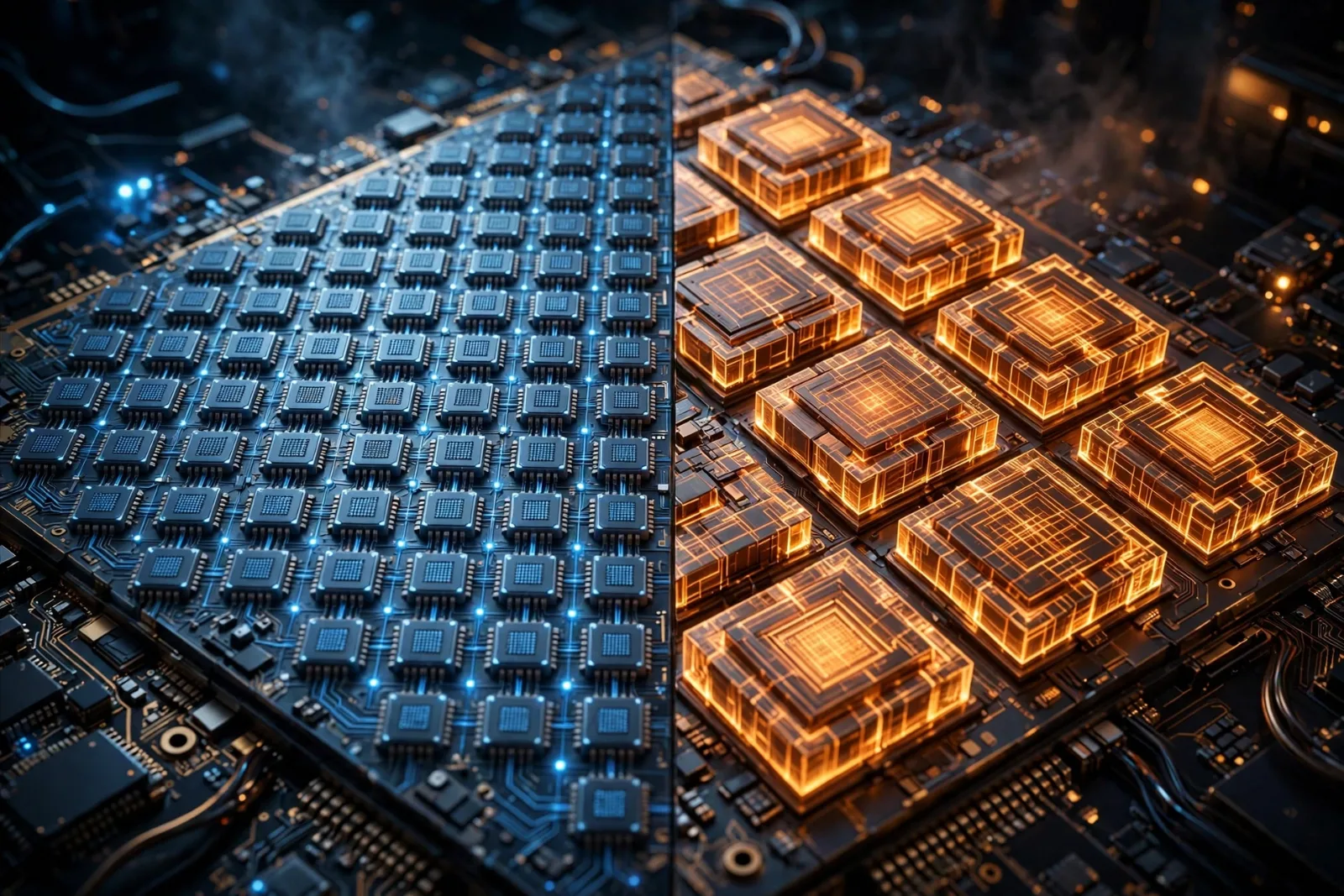
Every phone, laptop, car dashboard, and smart TV has one: the CPU, or central processing unit. It's the chip that runs every app, opens every file, and keeps every tab alive. People buy devices because of the screen or the battery, but the CPU is the part doing the actual thinking.
Yet most of us picture it as a magic square that is simply "fast." What's actually happening inside? In plain English, here's how a CPU works.
The heartbeat: fetch, decode, execute
At its core, a CPU does one simple loop, over and over, billions of times per second. It's called the fetch–decode–execute cycle, and everything a computer does — loading a website, saving a photo, playing a video — is built from millions of these tiny loops.
1. Fetch. The CPU grabs the next instruction from memory. A small register called the program counter keeps track of which instruction comes next, like a bookmark.
2. Decode. The CPU's control unit reads the instruction and figures out what it means. An instruction is just a number, but the control unit knows which numbers mean "add these two values" or "load this from memory."
3. Execute. The actual work happens in the ALU (arithmetic logic unit), which does math and logic, or in other specialized parts of the chip. The result is stored, and the loop starts again with the next instruction.
Modern CPUs don't wait politely for each loop to finish. They use pipelining — overlapping the fetch of one instruction with the decode of the previous one — and run parts of many instructions at the same time. Think of it like an assembly line rather than a single worker doing one job at a time.
Clock speed: what a gigahertz really measures
Every step of that loop is timed by an internal metronome called the clock. Each tick of the clock lets the CPU advance its work, and clock speed — measured in hertz — tells you how many ticks happen per second.
- The Intel 4004, the first commercial microprocessor (1971), ran at 740 kilohertz — about 740,000 ticks per second.
- AMD's Ryzen 9 7950X (2022) boosts up to 5.7 gigahertz — 5.7 billion ticks per second.
- That's why a headline number like "5 GHz" sounds impressive: it really does mean billions of heartbeats every second.
But here's the catch: a higher clock speed doesn't automatically mean a faster chip. What matters is also how much work the CPU gets done per tick — engineers call this IPC (instructions per cycle). A modern core can finish several instructions in a single tick, while an old core might manage less than one. So a 4 GHz modern chip easily beats a 5 GHz chip from 2005. Clock speed is the tempo, not the whole performance.
Transistors: the tiny switches
A CPU is made of transistors — microscopic switches that turn on and off to represent 1s and 0s. Every instruction, every calculation, is really just enormous patterns of these switches flipping in choreographed sequences.
The scale of growth here is hard to overstate:
- Intel 4004 (1971): 2,300 transistors on a chip the size of a fingernail.
- AMD Ryzen 9 7950X (2022): about 13.14 billion transistors.
- Apple M3 Max (2023): 92 billion transistors, built on a 3-nanometer process.
That's a roughly 40-million-fold increase in transistor count over 52 years. More transistors mean room for more cores, bigger caches, faster memory controllers, and dedicated hardware for tasks like video decoding and AI — all on one chip. (If you want the deeper story of how these switches are made, see our guide to semiconductors explained.)
Cores and threads: many brains in one
A core is a complete, independent processing unit that runs its own fetch–decode–execute loop. Early CPUs had one core. Today, even phone chips have eight or more, and desktop chips like the Ryzen 9 7950X pack 16 cores.
More cores mean the CPU can genuinely do several things at once — your video call, browser, and music app can each get their own lane instead of taking turns.
Threads go one step further. Most modern cores can juggle two threads simultaneously (simultaneous multithreading, or SMT — Intel calls it Hyper-Threading), so a 16-core chip appears to the operating system as 32 workers. A thread isn't a second core; it's more like a waiter serving two tables, switching the moment one pauses. The 7950X's "16 cores / 32 threads" spec means exactly that: 16 real cores, each handling 2 threads.
Cache: the memory closest to the action
Here's a problem: a CPU ticking at 5.7 GHz finishes a cycle in a fraction of a nanosecond, but main memory (RAM) takes hundreds of cycles to respond. Left unchecked, the CPU would spend most of its time standing around waiting for data.
The fix is cache — tiny pools of ultra-fast memory built right into or next to the processor. Before reaching out to slow RAM, the CPU checks its caches first. They're arranged in levels, a classic trade-off between size and speed:
| Level | Typical size | Speed | Shared or per-core? |
|---|---|---|---|
| L1 | 16–128 KB per core | Fastest (~3–5 cycles) | Private to each core, split between instructions and data |
| L2 | 256 KB–2 MB per core | Very fast (~10–15 cycles) | Usually private to each core |
| L3 | 4–64 MB | Fast (~30–60 cycles) | Shared across all cores |
The CPU checks L1 first, then L2, then L3, and only goes to RAM on a full cache miss. More than 90% of a program's data requests are usually satisfied from cache — which is why cache size shows up in CPU specs and why gaming chips like AMD's 3D V-Cache designs pile on extra L3.
Cache, RAM, and your SSD form one big memory hierarchy: smaller and faster as you get closer to the CPU, bigger and slower as you move away. For the storage end of that chain, read how SSDs actually work, explained.
CPU vs GPU: different kinds of fast
You'll often hear GPUs described as faster than CPUs. That's only true for specific jobs — the two are built for opposite philosophies:
| CPU | GPU | |
|---|---|---|
| Built for | A few complex, unpredictable tasks, executed as fast as possible | Thousands of simple, similar tasks at the same time |
| Cores | Few (4–24), each very powerful and flexible | Thousands of small, simpler cores |
| Strength | Single-thread speed, branching logic, running an operating system | Parallel math: graphics, video, AI training |
| Analogy | A few brilliant chefs cooking custom dishes | An army of line cooks all chopping vegetables |
That's why your computer has both: the CPU handles the game logic, the operating system, and everything unpredictable — and hands the massively parallel pixel and math work to the GPU.
Why a CPU feels fast (it's not just the GHz)
When one computer feels snappier than another, it's the sum of several things, not one magic number:
- Instructions per clock (IPC) — how much a core does each tick. Newer architectures do more.
- Core and thread count — more parallel lanes for multitasking and heavy workloads.
- Cache size — bigger caches mean fewer slow trips to RAM.
- Boost behavior — modern CPUs sprint above their base clock when there's thermal room (that 5.7 GHz on the 7950X is a boost speed, not an all-day speed).
- Memory speed — fast RAM and SSDs keep the whole system fed.
A spec sheet lists these separately, but in practice they multiply together. A balanced mid-range chip with a fast SSD will feel quicker in daily use than a top-tier CPU starved by slow storage.
Takeaway checklist
- A CPU runs a relentless fetch–decode–execute loop — fetch an instruction, decode it, execute it — billions of times per second.
- Clock speed (GHz) is the tempo: ticks per second. It matters, but work-per-tick (IPC) matters just as much.
- Transistors are the switches everything is built from: 2,300 in the 1971 Intel 4004, 92 billion in the 2023 Apple M3 Max.
- Cores are independent processors on one chip; threads (usually 2 per core) let each core juggle two tasks.
- Cache (L1 → L2 → L3) is ultra-fast memory that keeps the CPU fed without waiting on slow RAM — check L1 first, RAM last.
- A CPU excels at a few complex tasks; a GPU excels at thousands of simple parallel tasks. Your device needs both.
- Real-world speed = IPC × cores × cache × boost clocks × fast memory and storage — never just the GHz number.