Those black-and-white squares are everywhere now — on restaurant tables, bills, product packaging, and boarding passes. Point your phone at one and, a split second later, a website opens, a payment is ready, or your phone joins a Wi-Fi network. It feels like magic, but a QR code is really just a clever storage system with a very good backup plan. Here is how it works.
What a QR code actually is
A QR code — short for Quick Response code — is a two-dimensional barcode. The barcodes on shop products are one-dimensional: they store data in a row of lines. A QR code stores data both horizontally and vertically, which is why a single small square can hold far more information than a long strip of lines.
The code was invented in 1994 by Masahiro Hara and his team at Denso Wave, a Japanese automotive-parts company in the Toyota Group. Its job was mundane: tracking car parts on factory lines, where ordinary barcodes could not hold enough data and had to be scanned at exactly the right angle. "Quick Response" was the sales pitch — the code could be read at high speed from any angle. Denso Wave deliberately did not lock the technology behind strict patent enforcement, which helped it spread far beyond car factories.
The anatomy of a QR code
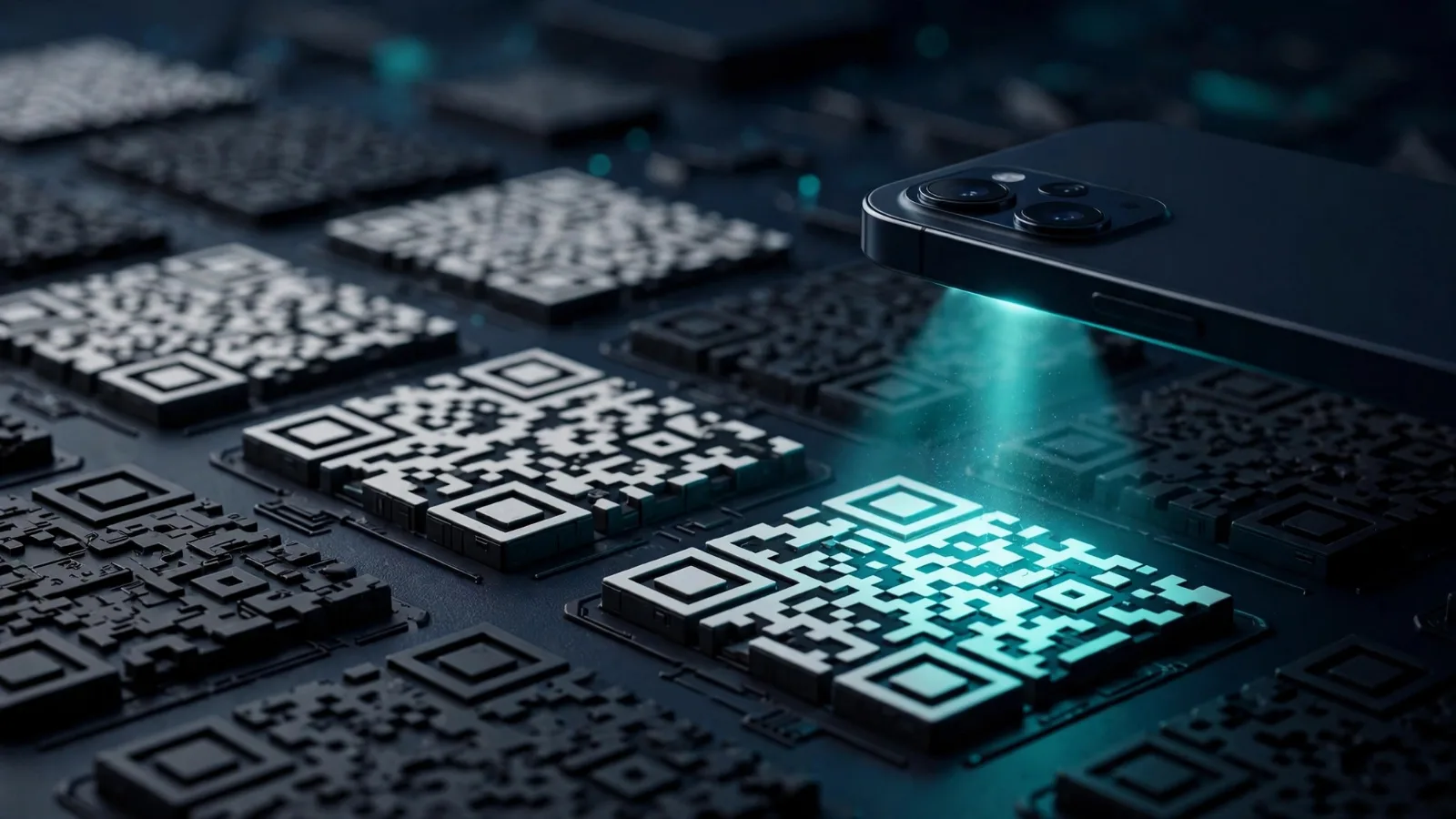
Look closely at any QR code and you will see a structure, not random noise:
- Finder patterns — the three large squares in the top-left, top-right, and bottom-left corners. Their black-white-black squares follow a precise 1:1:3:1:1 ratio, a pattern so rare in printed material that scanners can spot it instantly. These tell the scanner where the code is and which way round it is, which is why a QR code scans at any rotation.
- Timing pattern — a line of alternating squares that marks rows and columns, like the lines in a notebook, helping the scanner map the grid.
- Data modules — the smaller black and white squares in between, which carry the actual payload plus backup data.
- Quiet zone — a white border at least four squares wide around the code. Without it, scanners struggle to tell where the code ends and the background begins.
Because the finder patterns define the orientation, you can scan a code upside down, sideways, or at an angle — the scanner sorts it out.
How data is packed inside
QR codes use four encoding modes depending on the type of data:
- Numeric — digits only (0–9), the most space-efficient
- Alphanumeric — digits, uppercase letters, and a few symbols like $ and %
- Byte (binary) — full text and URLs, including lowercase letters
- Kanji — Japanese characters
Choosing the right mode matters. A simple phone number packed in numeric mode produces a clean, sparse-looking code, while a long tracking URL with parameters forces a much denser one.
Size comes in 40 versions. Version 1 is a 21×21 grid; each version adds four squares per side, up to Version 40 at 177×177. At the largest version and lowest error correction, a QR code holds up to 7,089 numeric characters, 4,296 alphanumeric characters, 2,953 bytes of text, or 1,817 kanji characters — roughly several pages of a book in a square the size of a postage stamp.
The backup plan: error correction
Here is the genuinely clever part. A QR code is not a bare list of data — it uses Reed–Solomon error correction, a mathematical scheme that adds redundant information alongside the real payload. If part of the code is scratched, dirty, torn, or covered by a logo, the scanner solves for the missing pieces from the redundant data. It does not guess; the math is deterministic.
There are four error-correction levels, trading storage capacity against damage tolerance:
| Level | Name | Damage it can survive | Typical use |
|---|---|---|---|
| L | Low | ~7% | Clean digital screens, largest payloads |
| M | Medium | ~15% | Printed menus, flyers, tickets (the common default) |
| Q | Quartile | ~25% | Outdoor signs, packaging, shipping labels |
| H | High | ~30% | Codes with a logo in the middle, harsh factory floors |
More protection means less room for data: at maximum size, Level H holds around 1,273 bytes versus 2,953 at Level L — a drop of more than half. This is why branded QR codes with logos in the centre exist at all: the logo sits on top of what is, mathematically, disposable backup space.
What happens when you scan one
Scanning is a three-step process your phone runs in a fraction of a second:
- Detection — the camera finds the finder patterns and locates the code.
- Reading — the scanner maps the grid, reads each module as a 1 (black) or 0 (white), and applies the error correction to reconstruct the full data.
- Action — the phone interprets the payload. Most QR codes contain plain instructions: open this URL, join this Wi-Fi network, save this contact, or send money to this address. Your phone previews the action before doing it.
No internet connection is needed to read a QR code — the data is in the picture. You only need a connection for what the code points to, like a website.
Where QR codes are used
Beyond restaurant menus, QR codes quietly carry a lot of the modern world: mobile payments across much of Asia, boarding passes, event tickets, product authentication, Wi-Fi sharing, two-factor login setup, and postal and courier tracking. The COVID-19 pandemic accelerated adoption sharply — a 2022 survey counted 89 million QR scanners in the US, up 26% from 2020 — because contactless menus and check-ins made the codes a daily habit.
Scanning safely: the catch
A QR code itself is not dangerous — but it can point somewhere dangerous. Attackers stick malicious codes over real ones or send them in emails ("quishing" — QR phishing), leading to fake login pages. A few safe habits:
- Preview before opening — every phone shows the URL first. If it looks wrong, do not open it.
- Never scan a code that looks stuck over another — stickers over stickers are a classic trick.
- Be extra cautious with codes from unsolicited messages — legitimate banks and services rarely send urgent instructions by QR code.
- Do not enter passwords on a page you reached via a QR code unless you are certain the source is genuine.
For more on protecting your accounts in general, see our cybersecurity basics guide and our explainer on passkeys.
Takeaway checklist
- A QR code is a two-dimensional barcode invented in 1994 by Masahiro Hara at Denso Wave for tracking car parts.
- Three finder patterns let it scan at any angle; a quiet zone of four modules is essential.
- Four encoding modes and 40 versions hold up to 7,089 digits at the maximum size.
- Reed–Solomon error correction (levels L, M, Q, H) lets damaged or logo-covered codes still scan.
- Scanning is three steps: detection → reading → action, all offline.
- QR codes carry payments, tickets, Wi-Fi keys, and logins — and surged in everyday use after 2020.
- Always preview the destination before opening — QR phishing is the main real-world risk.