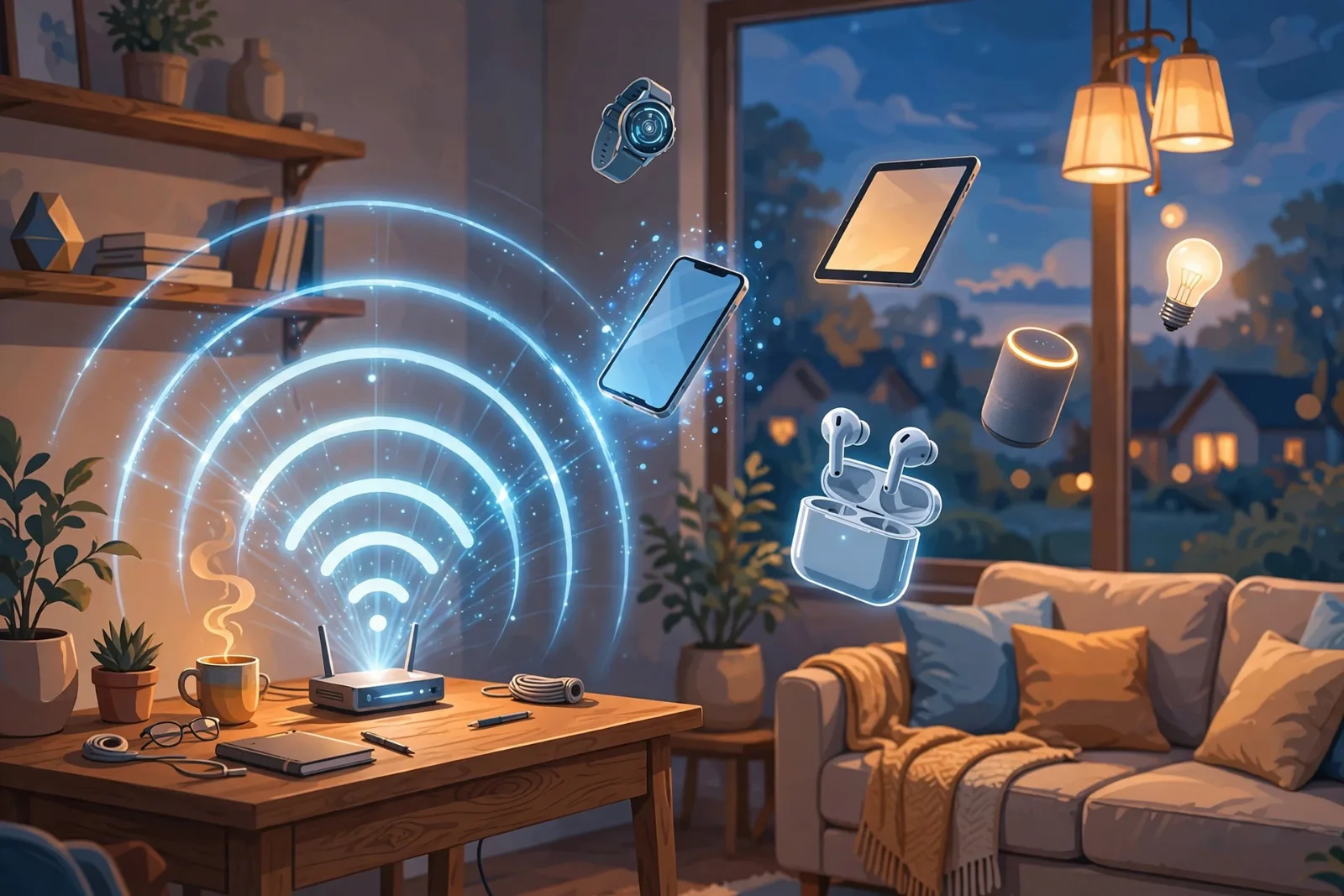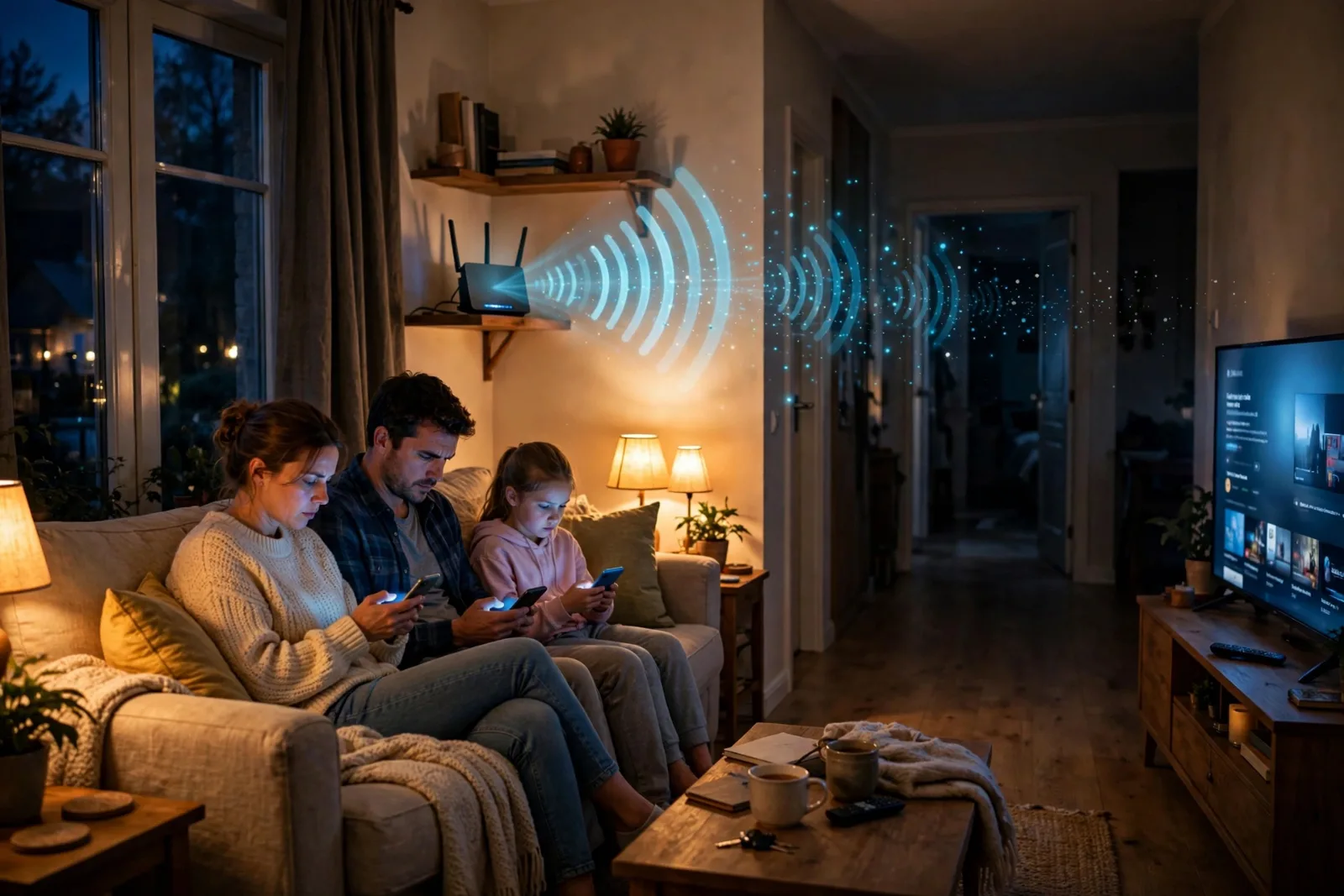
Your internet is fine all day. Then evening comes, everyone gets home, and suddenly videos buffer, games lag and pages crawl. Nothing changed — except the time of day. So why does Wi-Fi reliably get worse at night, and what can you actually do about it?
The honest answer is that it is rarely one single cause. Night-time slowdowns are usually several small problems arriving at once. Here are the real reasons, in order of impact, and the fix for each.
1. Everyone comes online at once — including your neighbours
Between roughly 7 PM and 11 PM, residential internet usage peaks. People stream video, join video calls, play games and scroll social media at the same time. Most home broadband is built on a shared model: your street or building shares capacity at the local exchange or node, so when everyone draws on it at once, each household gets less. Engineers call this contention — think of it like water pressure dropping when every tap in the neighbourhood opens at once.
This is also why the slowdown follows a schedule. If your connection is fast at 10 AM and slow at 9 PM, day after day, congestion — not a faulty router — is the most likely culprit.
2. Your own home gets busier than you think
Count what is actually online in your house at night: two or three phones, a smart TV streaming in 4K, a laptop, a games console, a smart speaker, maybe a doorbell camera and a dozen smart bulbs. A single 4K stream can use 15–25 Mbps on its own. Add a game download or a video call and an ordinary connection starts to feel crowded — even before your neighbours are counted.
The sneakiest users are the ones nobody is watching. Consoles and TVs download game and app updates in the background, phones back up photos to the cloud, and laptops sync files overnight. These jobs are deliberately scheduled for the evening, which is exactly when you want the bandwidth for yourself.
3. Your neighbours' Wi-Fi is shouting over yours
Wi-Fi is radio, and radio is shared airspace. In a flat or a dense street, your router can "hear" dozens of neighbouring networks. When two networks use the same or overlapping channels, they interfere: data collides, packets get retransmitted, and everything slows down.
This is worst on the 2.4 GHz band, which has only three non-overlapping channels (1, 6 and 11). Most routers ship set to "auto" and many end up piled onto channel 6. At night, when every neighbour's router is busy, the interference peaks — which is another reason evenings feel worse.
The 5 GHz band has far more channels and less crowding, but shorter range and weaker wall penetration. The newer 6 GHz band (Wi-Fi 6E and Wi-Fi 7) is quieter still, but only newer devices can use it.
4. Your signal itself is weaker at night
Evening is also when the house fills with interference sources: microwaves, baby monitors, cordless phones and Bluetooth speakers all crowd the same 2.4 GHz airspace. And the classic Wi-Fi killers never sleep: a router stuffed behind the TV, buried in a cupboard, or sitting on the floor behind thick furniture loses signal before it ever reaches your bedroom.
If you want the full picture of how Wi-Fi actually travels through your home, How Wi-Fi Actually Works: The Invisible Network Around You explains the bands, channels and mesh systems in plain English.
First, find out where the problem actually is
Before changing anything, run one simple test — it separates a Wi-Fi problem from an internet problem:
| Test | What to do | What it tells you |
|---|---|---|
| Wired test | Plug a laptop into the router with an Ethernet cable and run a speed test at night | If wired is fast but Wi-Fi is slow, your Wi-Fi is the problem |
| Wired also slow | Same test, wired, at peak time vs morning | If wired is slow at night too, the problem is congestion or your plan, not your Wi-Fi |
| Room test | Run a speed test next to the router, then in the slow room | A big drop between rooms means weak signal or interference |
| Device test | Test two different devices in the same spot | If only one device is slow, that device is the problem |
This one test saves you from buying a new router to fix what is actually a street-level congestion problem — or from calling your ISP about what is actually a bedroom signal problem.
The fixes, in the order worth trying
- Restart your router. It clears memory leaks and forces a fresh channel pick. Once a week is plenty; a smart plug timer can automate it overnight.
- Move the router. Central, elevated, out in the open, away from thick walls and the microwave. This single change fixes more "slow Wi-Fi" complaints than any gadget.
- Switch to 5 GHz. In your device's Wi-Fi settings, prefer the 5 GHz version of your network name for nearby devices. Keep 2.4 GHz for distant rooms and smart-home gadgets.
- Change the channel. If your router lets you, pick 1, 6 or 11 on 2.4 GHz based on whichever is least used nearby — a free Wi-Fi analyser app on your phone shows the crowd.
- Wire what matters. The TV and the games console are the two hungriest devices in most homes. One Ethernet cable each removes their traffic from the air entirely.
- Schedule the background jobs. Set consoles, TVs and cloud backups to update after midnight instead of during the evening peak.
- Use Quality of Service (QoS). Most routers can prioritise video calls and gaming over downloads. It will not create bandwidth, but it stops one download from ruining everyone else's evening.
- Consider mesh Wi-Fi if the problem is coverage, not speed — one router simply cannot cover a large house through thick walls.
When it is not fixable at home
If the wired test shows your connection itself slowing every night, the bottleneck is upstream: your provider's local node is congested, or your plan is simply too small for your household. In that case:
- Call your ISP and ask specifically about peak-time congestion on your node — they can sometimes move you or confirm a local upgrade.
- Check your plan honestly. A household with two 4K streams plus gaming and calls needs far more than a basic package.
- Upgrade only after the tests. Paying for a faster plan will not fix weak bedroom Wi-Fi, and a mesh system will not fix street congestion. Match the fix to the test result.
Takeaway checklist
- Night-time slowdowns are usually peak-hour congestion (7–11 PM) plus home and neighbour traffic, not a broken router.
- Run the wired test first: it tells you whether the problem is your Wi-Fi or your internet connection.
- 2.4 GHz has only three clear channels (1, 6, 11) — neighbour interference peaks at night on this band.
- Try the free fixes first: restart, reposition the router, use 5 GHz nearby, wire the TV and console, schedule updates after midnight.
- If wired speeds also drop at night, that is congestion or an undersized plan — talk to your ISP with the test results in hand.
- Don't buy new hardware until a test tells you which problem you actually have.