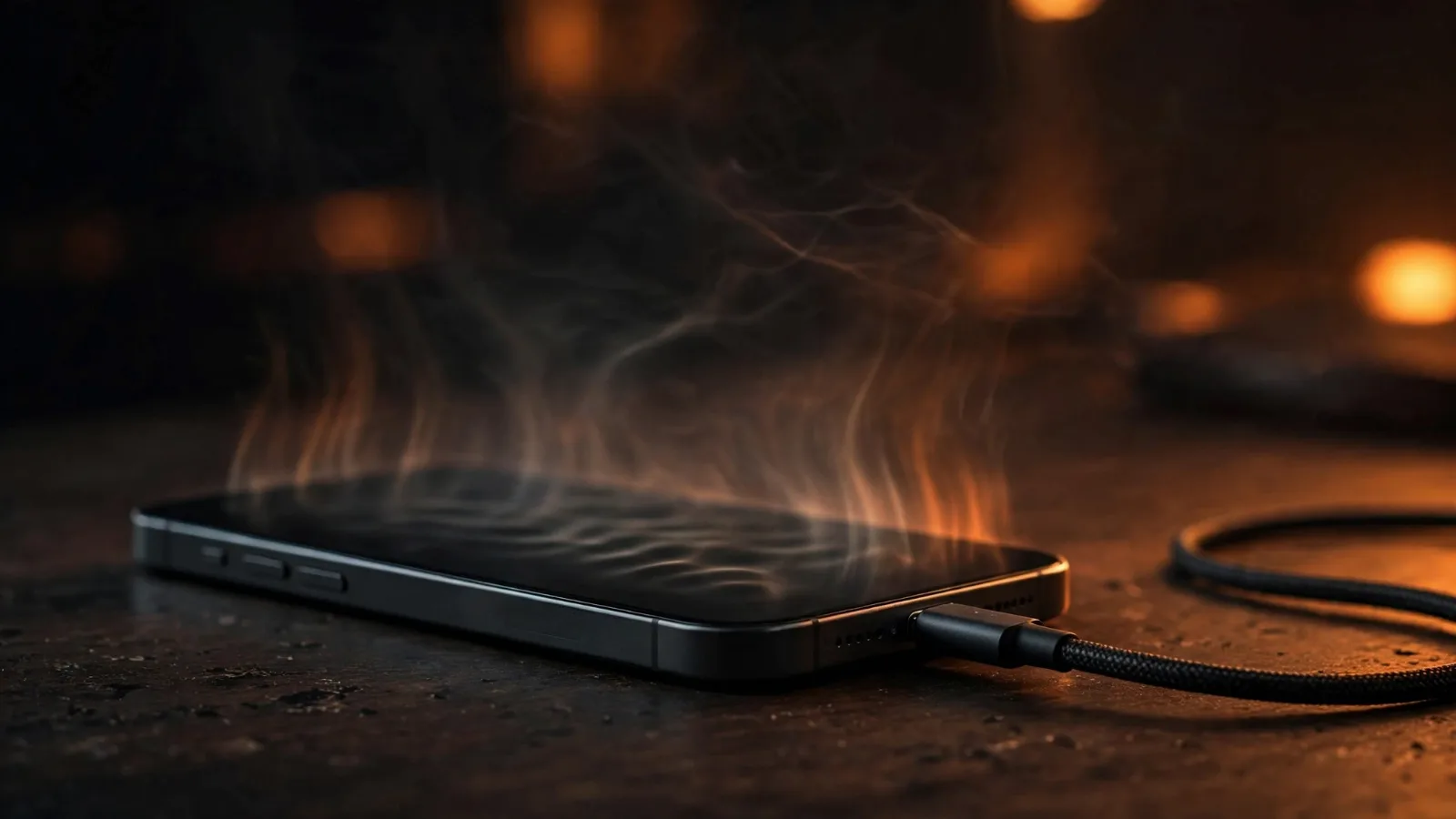
You plug in your phone, come back twenty minutes later, and the back of it feels warm — maybe even hot. Is that normal, or is something wrong? The short answer is that some warmth is completely normal, because charging is not a perfectly efficient process. But there is a clear line between normal warmth and a warning sign, and knowing where that line sits can save your battery — and occasionally, keep you safe.
The short answer: it's physics, not a defect
Charging a phone is an electrochemical process. Electrical energy flows from the wall, through the cable and the phone's charging circuit, and gets stored as chemical energy inside the battery. That conversion is not 100% efficient — some of the energy is always lost as heat.
The main culprit is something engineers call internal resistance. Every lithium-ion battery has a tiny amount of electrical resistance inside it, typically somewhere between 50 and 200 milliohms in a phone-sized cell. When current flows through that resistance, power is wasted as heat according to Joule's law: heat = current² × resistance. In symbols, that's P = I²R.
That squared term is the important part. It means doubling the charging current quadruples the heat produced inside the battery. A standard charger trickling a low current produces almost no noticeable warmth; a fast charger pushing several amps produces a lot more. To put a number on it: at a 3-amp charging current, a phone battery with 50–200 milliohms of internal resistance turns roughly 0.45 to 1.8 watts directly into heat — all of it inside the sealed body of the phone.
On top of that, the charger's own conversion circuitry is only about 90–95% efficient, so 5–10% of the wall power becomes heat in the brick itself. And wireless charging adds more loss still — Apple lists wireless charging as one of the activities that normally makes a device feel warmer, because the energy transfer is inherently less efficient than a cable.
How fast charging turned up the heat
Not long ago, a typical phone charger delivered about 5 watts. Today, many flagship phones accept 25 to 45 watts, and some Chinese brands push beyond 100 watts using standards like USB Power Delivery (USB PD) or proprietary systems such as OPPO's VOOC. Samsung's Super Fast Charging 2.0 runs at 45 watts; the base models run at 25 watts.
All that extra power means higher current flowing through the same internal resistance — and thanks to that I²R relationship, much more heat. This is exactly why your phone feels warmest during the first part of a charge, when the battery accepts current fastest, and cools down as it approaches full and the phone deliberately slows the current. Apple confirms this directly: the iPhone gradually reduces charging current as the battery approaches full charge specifically to reduce the effect of heat.
Want a deeper look at what's happening inside that battery? Our explainer on lithium-ion batteries walks through the chemistry step by step.
What makes your phone hotter than it needs to be
Normal charging heat is one thing. But several everyday habits and conditions can push temperatures far higher than necessary:
- Using the phone while it charges. Gaming, video calls, streaming, or navigation makes the processor, screen, and radios all generate heat at the same time the battery is heating up. The heat sources stack, and the phone can only shed heat as fast as its body lets it.
- Leaving the case on. Phones lose most of their heat through the back glass and metal frame. A thick silicone or plastic case acts as a blanket that traps it. Apple specifically advises removing certain cases if the phone gets hot while charging.
- Hot surroundings. A phone can only cool by moving heat into cooler air. Charging in direct sunlight, in a hot car, or on a warm surface shrinks the temperature difference the phone has to work with, so it stays hot longer.
- An aging battery. Internal resistance roughly doubles after 500–800 charge cycles, which doubles the charging heat for the same current. If a two-year-old phone suddenly runs much hotter on the same charger, battery age is a prime suspect. Batteries are consumable parts; once health drops to around 80%, replacement is worth considering.
- Cheap or damaged cables and chargers. No-name accessories can deliver unstable voltage and inefficient power transfer, dumping extra heat into the phone. Stick to the manufacturer's accessories or certified USB PD equipment.
- Wireless charging. The inductive transfer wastes more energy as heat than a cable, so wireless charging almost always runs warmer.
What's normal and what's a warning sign
Here is the practical guide, based on the temperature of the phone's body (you can check roughly with a battery-temperature app, or by feel):
| What you notice | Approx. temperature | What it means |
|---|---|---|
| Barely warm | Under 35°C (95°F) | Totally normal for any charge |
| Noticeably warm | 35–40°C (95–104°F) | Normal, especially during fast charging |
| Uncomfortably warm to hold | 40–45°C (104–113°F) | Warm — remove the case, reduce load |
| Hot, hard to hold comfortably | Above 45°C (113°F) | Warning sign — stop fast charging, find the cause |
| Phone shows a temperature alert, dims, or slows charging on its own | Above 50°C (122°F) | Phone is protecting itself — stop and let it cool |
Apple draws the line on ambient temperature too: iPhones are designed for use in air temperatures of 0°C to 35°C (32°F to 95°F), and the company warns that using or charging a device above 35°C ambient can permanently reduce battery lifespan. Long-term research backs the caution: the US National Renewable Energy Laboratory notes that temperatures above 60°C can significantly shorten the lifespan of lithium batteries.
A one-off warm charge is fine. A pattern of very hot charges is what damages batteries — sustained high temperatures accelerate the chemical aging inside the cells, permanently shrinking their capacity. That is the main reason heat matters: it's not the warmth itself, it's the battery wear it causes over time.
Practical fixes that actually work
- Use a slower charger overnight. There is no reason to fast-charge while you sleep. A basic 5W or 10W charger keeps things cool for the hours nobody is in a hurry.
- Don't game or stream while fast-charging. If you must use the phone plugged in, use a slow charger for the top-up and save fast charging for when the phone is idle.
- Take the case off during fast charges. This one step often drops the temperature by several degrees.
- Charge on a hard surface, in the open air. Never under a pillow, in a bag, or on a car dashboard in summer. Phones have no fans — air is their only cooling system.
- Keep the phone out of direct sun and hot rooms. Above 35°C ambient, you're already fighting the battery's design limits.
- Use the original or certified charger and cable. Saving money on a cheap charger is a poor trade against a damaged battery — or worse.
- Keep software updated. Manufacturers regularly refine charging algorithms; some updates specifically improve thermal behaviour.
- Check battery health on older phones. If your phone gets much hotter than it used to on the same charger, or heats up even in standby, get the battery checked. A swollen battery, a burning smell, or shutdowns during charging are stop-and-service-immediately signs.
Engineers are working on the root problem too: solid-state batteries promise lower internal resistance and better thermal behaviour, which could make charging heat far less of an issue in the next generation of phones.
Takeaway checklist
- A little warmth while charging is normal — it's wasted energy from internal resistance, not a defect.
- Fast charging means more heat — heat rises with the square of the charging current.
- 35–40°C is the normal zone; above 45°C is a warning sign; above 50°C means stop.
- The heat sources stack — gaming + fast charging + thick case + hot room is the worst combination.
- Old batteries run hotter — internal resistance roughly doubles after 500–800 charge cycles.
- Cool it down — slow charger overnight, case off for fast charges, hard surface, no direct sun.
- Apple's rule of thumb — never charge above 35°C ambient; it can permanently shorten battery life.
- Red flags — swelling, burning smell, shutdowns, or heat in standby mean professional service, now.