You tap, swipe and pinch a piece of glass dozens of times a day, and it just works. But your phone's screen is not a button. Nothing moves when you press it, there is no switch underneath, and a pen, a glove or a fingernail often fails where a fingertip succeeds. The reason is an invisible electrical grid hiding under the glass — and understanding it explains almost every touchscreen quirk you have ever noticed.
The short answer: your finger disturbs an electric field
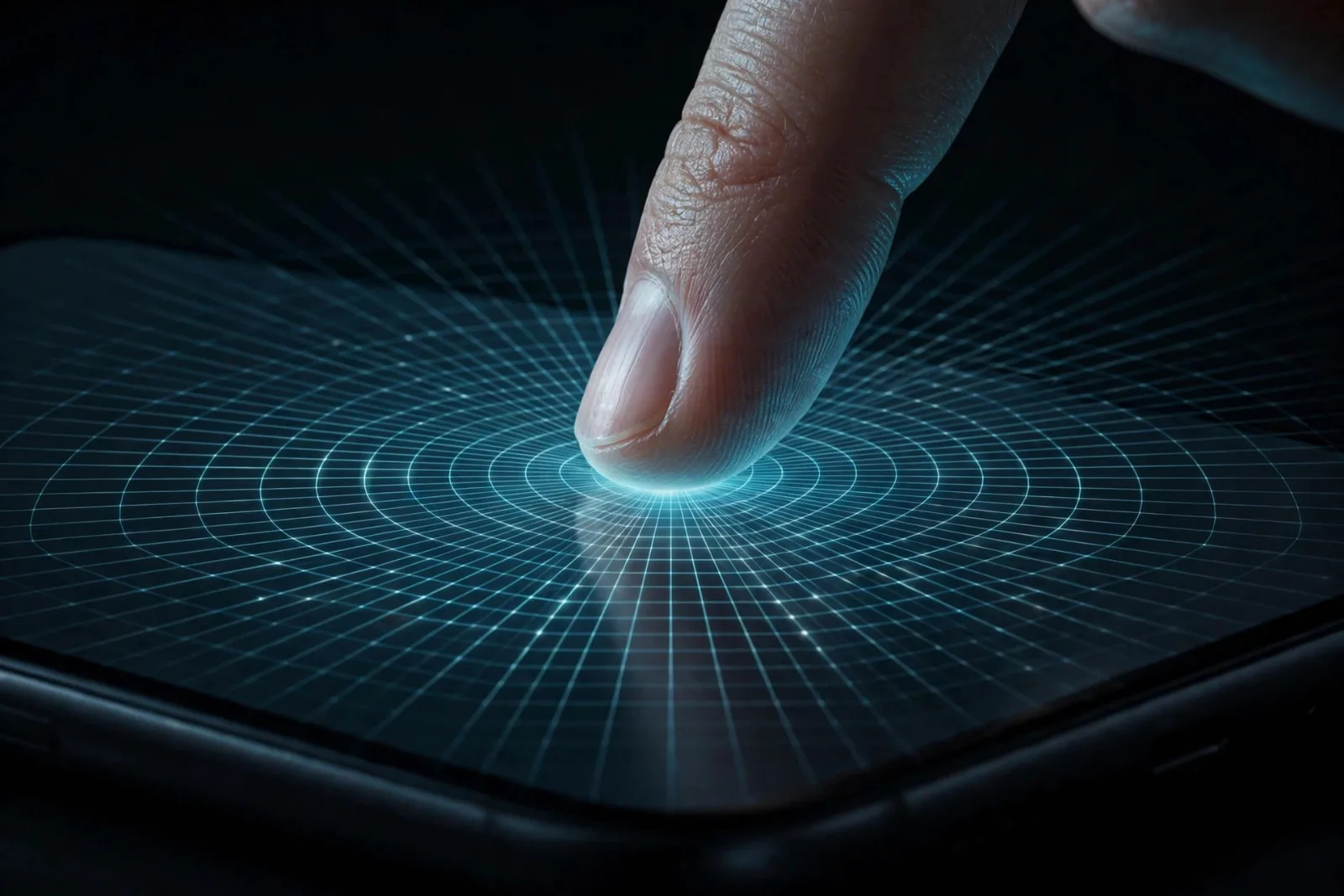
Nearly every phone, tablet and modern laptop screen uses projected capacitive touch, usually shortened to PCAP. The screen carries a grid of transparent electrodes — hair-thin lines of a conductive material called indium tin oxide (ITO) — arranged in rows and columns. A controller constantly sends tiny electrical signals through this grid, creating an electrostatic field at every point where a row and a column cross.
Your body conducts electricity, so when your finger comes near the glass, it steals a tiny amount of charge from the field at that spot. The controller notices the change — measured in femtofarads, a millionth of a millionth of a farad — and works out exactly where it happened. No pressure is needed, because nothing has to touch or bend. You are not pressing a switch; you are interrupting a field.
This is also why the screen ignores most objects. A plastic pen, a wooden stylus or a gloved finger does not conduct like skin, so the field barely changes and the controller sees nothing. Capacitive styluses work because they carry a conductive tip that imitates a finger.
The layers: what is actually inside the glass
A modern touchscreen is a sandwich, and the touch layer is only one part of it:
- Cover glass — the tough outer sheet you actually touch, usually chemically strengthened. It protects everything below and acts as the insulating layer between your finger and the electrodes.
- Sensor layer — the ITO electrode grid, etched onto glass or film in two perpendicular patterns. The rows act as drive lines and the columns as sense lines, or vice versa.
- Display panel — the OLED or LCD screen that makes the picture. Touch and display are separate jobs; the touch grid sits on top of, or is built into, the display. This is why a phone can have a perfect picture but a dead touch layer, or vice versa.
- Controller chip — a dedicated processor that scans the grid many times per second, filters out electrical noise, and turns raw field changes into coordinates the operating system understands.
In high-end devices the sensor is increasingly built into the display panel itself rather than layered on top — Apple made a point of this with its first touchscreen MacBook Pro, saying the in-panel sensor cuts latency. Fewer layers also means a thinner, brighter screen, which is one reason modern phones feel so responsive.
Self-capacitance vs mutual capacitance: why multi-touch works
Early capacitive screens used self-capacitance: each row and each column was measured on its own. Touching the screen changed the capacitance of one row and one column, and the controller combined them to find the point. This is simple and very sensitive, but it has a fatal flaw for multi-touch: with two fingers down, the controller sees two rows and two columns active and cannot tell which pairing is real — it invents "ghost" touches at the wrong intersections.
Modern screens use mutual capacitance instead. The controller measures the field at every intersection of a row and a column — for a grid of 10 rows and 15 columns, that is 150 separate points, scanned one after another, many times per second. A finger reduces the charge at the intersections near it, and because each intersection is measured independently, two, five or ten fingers can be tracked at once with no ghosts. That is what makes pinch-to-zoom, two-finger scrolling and multi-finger gestures possible.
Once the controller has the raw touch points, software takes over: it groups nearby points into fingers, tracks them frame by frame, and recognises gestures — a tap, a swipe, a pinch, a long press. It also does palm rejection, using size, shape and timing to decide that the big blob at the edge of the screen is your palm resting there, not a deliberate touch. Ever wondered why drawing apps sometimes ignore your palm but your phone's keyboard does not? Palm rejection is a judgement call, and different apps tune it differently.
Why touchscreens behave the way they do
Almost every touchscreen annoyance traces back to this design:
- Gloves do not work — ordinary fabric insulates your finger from the field. Touchscreen gloves weave conductive thread into the fingertips to restore the connection.
- Wet screens misbehave — water conducts, so raindrops and wet fingers create their own field disturbances. Modern controllers filter much of this out, but a soaking screen can still register phantom touches.
- Cracked screens can lose touch — a crack through the sensor layer can sever electrode lines, killing touch in a whole strip of the screen even though the picture looks fine.
- Screen protectors usually work — the field projects through thin glass and plastic, so a normal protector barely matters. A very thick or air-gapped protector weakens the signal, which is why some phones offer a "touch sensitivity" setting.
- Touch feels instant — the controller scans the grid and reports positions in a few milliseconds, and high-end phones sample touch at 120Hz or more. The delay you sometimes feel is almost always the app or the display, not the sensor.
The older technology touchscreens replaced
Before capacitive screens took over, most touchscreens were resistive: two flexible conductive layers separated by a tiny air gap. Pressing the screen bent the top layer until it touched the bottom one, and the controller measured the resistance change to find the spot.
Resistive screens worked with any object — finger, glove, stylus, fingernail — and were cheap, which is why old ATMs, sat-navs and PDAs used them. But they needed real pressure, could only register one touch at a time, felt soft and dull under the finger, and the flexible top layer wore out. When the iPhone popularised capacitive multi-touch in 2007, resistive screens were finished for consumer devices — though they still survive in harsh industrial settings where workers wear thick gloves.
Touchscreen types compared
| Capacitive (modern) | Resistive (older) | |
|---|---|---|
| How it senses | Finger disturbs an electric field | Pressure bends two layers together |
| Multi-touch | Yes, precise | No, single touch only |
| Works with gloves | No (unless conductive) | Yes, any object |
| Feel | Hard glass, no pressure needed | Softer, needs a firm press |
| Durability | Sealed glass, very durable | Flexible layer wears out |
| Used in | Phones, tablets, modern laptops | ATMs, industrial panels, old sat-navs |
Where touchscreens go next
Touch is spreading to devices that resisted it for years. Apple's first touchscreen MacBook Pro, with its touch sensor built into a tandem OLED panel, shows where the technology is heading: touch as one input among many, not a replacement for keyboard and mouse. Haptic engines now fake the feeling of a click under a motionless piece of glass, and styluses with pressure and tilt sensing turn screens into sketchbooks.
The deeper trend is that touchscreens are becoming sensors, not just inputs. The same grid that tracks your finger can already measure how much of your palm is resting on the screen, and researchers are experimenting with screens that sense hover, force and even grip. The glass is not going away — it is getting smarter about what it feels.
If you want to see how the display under that touch layer makes its picture, read our guide to how OLED displays work — and for the laptop that finally brought touch to the Mac, see Apple's first touchscreen MacBook Pro, explained.
For more on this, see our explainer on computational photography.
For more on this, see our explainer on Galaxy Z.
Takeaway checklist
- Modern touchscreens use projected capacitive sensing: an invisible ITO electrode grid under the glass.
- Your finger disturbs a tiny electrostatic field at grid intersections; the controller turns that change into coordinates.
- Mutual capacitance measures every intersection separately, which is what makes true multi-touch possible without ghost touches.
- No pressure is needed — which is why gloves, plastic pens and fingernails usually fail, and water can cause phantom touches.
- Resistive screens, which needed pressure and only handled one touch, are the older technology touchscreens replaced.
- Cracks can kill touch in a strip of screen even when the picture is fine, because the sensor grid itself is damaged.
- Touch is spreading beyond phones: in-panel sensors and haptics are bringing it to laptops and creative tools.