You drop your phone on a pad, and it starts charging — no cable, no plug, no physical connection at all. It feels like magic, but it is one of the oldest tricks in electrical engineering: a phenomenon discovered nearly 200 years ago. Here is what is really happening between your phone and that pad.
The Core Trick: Electromagnetic Induction
In 1831, Michael Faraday discovered that a changing magnetic field can create an electric current in a nearby conductor. Every wireless charger on Earth is just this discovery, refined.
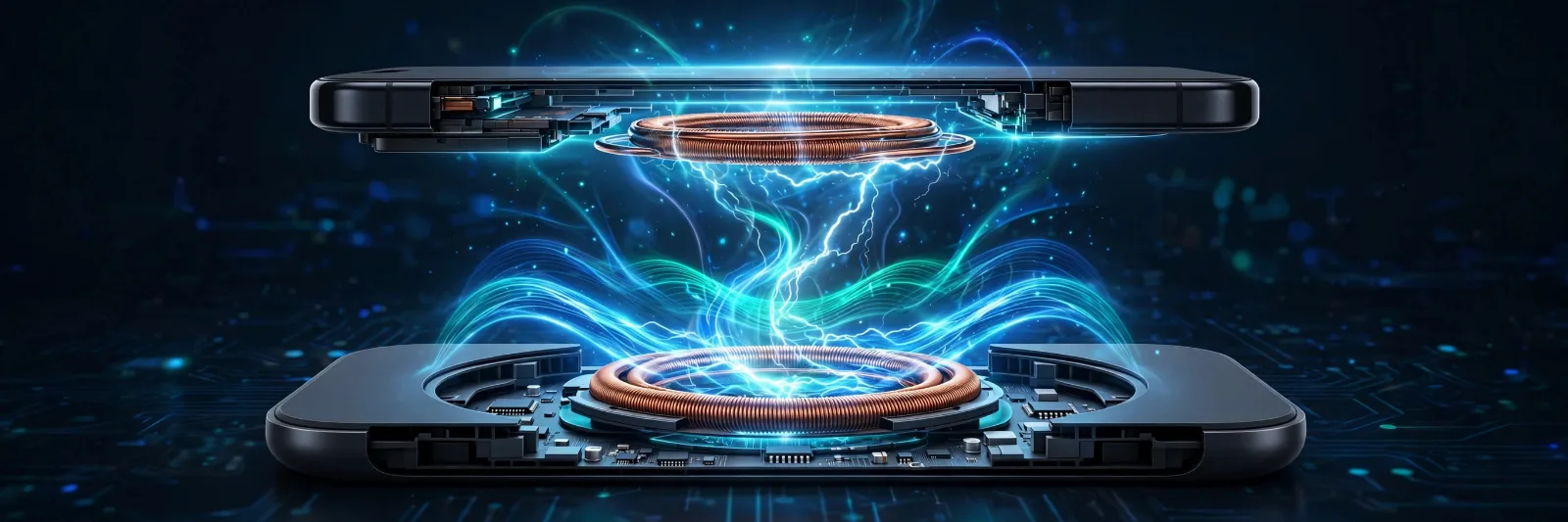
Inside the charging pad sits a transmitter coil — a flat spiral of copper wire. When you plug the pad in, alternating current surges through the coil, flipping direction thousands of times per second. That creates a rapidly pulsing magnetic field above the pad.
Inside your phone sits a receiver coil. When it enters that pulsing field, the field pushes electrons around in the phone's coil, generating an alternating current of its own — which the phone's circuitry converts to direct current and feeds to the battery.
That is the whole trick: electricity → magnetic field → electricity again, with the magnetic field bridging the few millimetres of air (and your phone case) between the two coils. Nothing touches. No electrons cross the gap.
The Alphabet Soup: Qi, Qi2 and Qi2 25W
Not all wireless charging is equal. The global standard is called Qi (pronounced "chee", the Chinese word for energy flow), run by the Wireless Power Consortium (WPC) — and it has evolved through three generations:
Original Qi (2010). The first universal standard. Power topped out at 5–7.5W on iPhones and about 10W on most Android phones. It worked, but it was slow and fussy: place the phone slightly off-centre and charging slowed to a crawl or stopped entirely.
Qi2 (2023). The big upgrade. Inspired by Apple's MagSafe, Qi2 added the Magnetic Power Profile (MPP) — a ring of magnets in the phone and charger that snaps the two into perfect alignment every time, with sub-millimetre precision. Power ceiling: 15W. The magnets solved the alignment problem and made charging faster, more efficient and less prone to overheating.
Qi2 25W, also called Qi2.2 (2025). Formalised by the WPC in spring 2025, this raises the power ceiling from 15W to 25W — nearly 70% more than Qi2 — and adds stricter thermal requirements. A full 25W needs a USB-C Power Delivery wall adapter rated at 30W or higher. Compatible phones include the iPhone 16 series onwards and recent flagship Android devices; the hardware is fully backward compatible, so old Qi phones still charge at their own slower speeds.
| Original Qi | Qi2 | Qi2 25W (Qi2.2) | |
|---|---|---|---|
| Launched | 2010 | 2023 | 2025 |
| Max power | 5–7.5W (iPhone) / ~10W | 15W | 25W |
| Magnetic alignment | No | Yes (MPP) | Yes (MPP 2.0) |
| Alignment fussiness | High — position matters | Low — magnets snap it in | Low |
| Needs special adapter | No | No | 30W+ USB-C PD for full speed |
Apple's own MagSafe, launched in 2020, was the inspiration for Qi2's magnets — but MagSafe is Apple's proprietary system, while Qi2 is the open, cross-brand standard. A Qi2-certified charger works across iPhone, Samsung, Pixel and other brands.
Why Wireless Is Slower — and Hotter — Than a Cable
Converting electricity to magnetism and back is inherently lossy. A good wired charger delivers roughly 95% of its power to the battery; wireless charging typically manages 70–80%, with the rest escaping as heat. That is the physics tax on convenience.
Three things make the gap bigger:
- Misalignment. Even a few millimetres off-centre weakens the magnetic coupling, so more energy becomes heat instead of charge. This is the problem Qi2's magnets largely solved.
- Distance. The field weakens fast with distance — which is why thick cases (or metal cases, which block the field entirely) slow charging down. Metal objects between pad and phone trigger Foreign Object Detection (FOD), which throttles or stops charging for safety: a coin on the pad could otherwise heat up like a tiny stove.
- Heat itself. At 25W, the coils generate serious warmth, and heat makes electronics less efficient — a feedback loop. That is why the fastest Qi2 25W chargers and power banks increasingly build in active cooling fans.
Is Wireless Charging Bad for Your Battery?
This is the question everyone actually wants answered. The honest answer: heat is the enemy of lithium-ion batteries, and wireless charging runs hotter than wired — but modern phones manage the risk well.
Lithium-ion batteries degrade faster when hot, and a warm pad under a charging phone is not ideal for long-term battery health. But phone makers know this: modern phones slow charging as the battery fills, pause at 80% overnight until morning (adaptive charging), and throttle wireless power when temperatures climb. The Qi2.2 standard's strict thermal limits push the whole industry in the same direction.
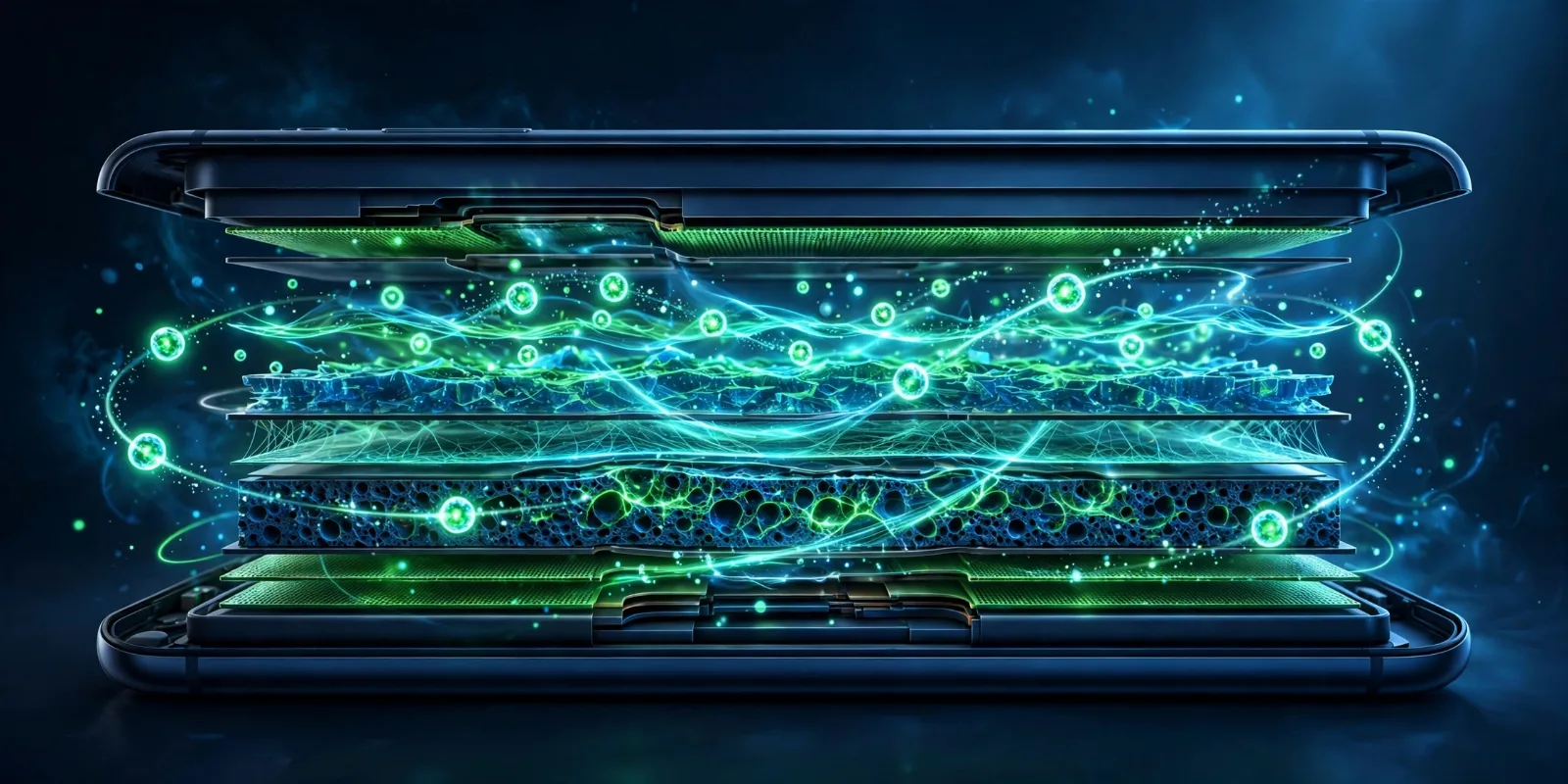
Practical advice: if you wirelessly charge overnight, the phone spends hours at 100% and warm — the worst combination. Use your phone's 80% charge limit feature if it has one, keep the pad ventilated rather than buried under bedding, and take off thick cases for faster, cooler charging. For a quick top-up before heading out, a cable is still king. Longer term, solid-state batteries promise cells that tolerate heat far better — but they are not in phones yet.
Reverse Wireless Charging: The Party Trick
Many flagship phones can also run the process backwards: the phone's coil becomes the transmitter, sharing a few watts with earbuds or a smartwatch placed on its back. It is slow — typically 5W or less — but it has saved many a dead pair of earbuds. Think of it as an emergency power bank you always carry.
Takeaway Checklist
- The trick is induction — Faraday's 1831 discovery: a pulsing magnetic field in the pad's coil creates current in the phone's coil, with no physical connection.
- Know your standard — original Qi (slow, fussy), Qi2 (15W, magnetic alignment), Qi2 25W/Qi2.2 (25W, needs a 30W+ adapter).
- Magnets changed everything — Qi2's Magnetic Power Profile snaps phone and charger into perfect alignment, fixing the biggest weakness of early wireless charging.
- Expect ~70–80% efficiency — the rest becomes heat, which is why wireless runs warmer and charges slower than a cable.
- Heat, not wireless itself, ages batteries — use the 80% limit, ventilate the pad, and remove thick cases.
- Metal blocks it — keep coins and cards away from the pad; Foreign Object Detection exists for a reason.